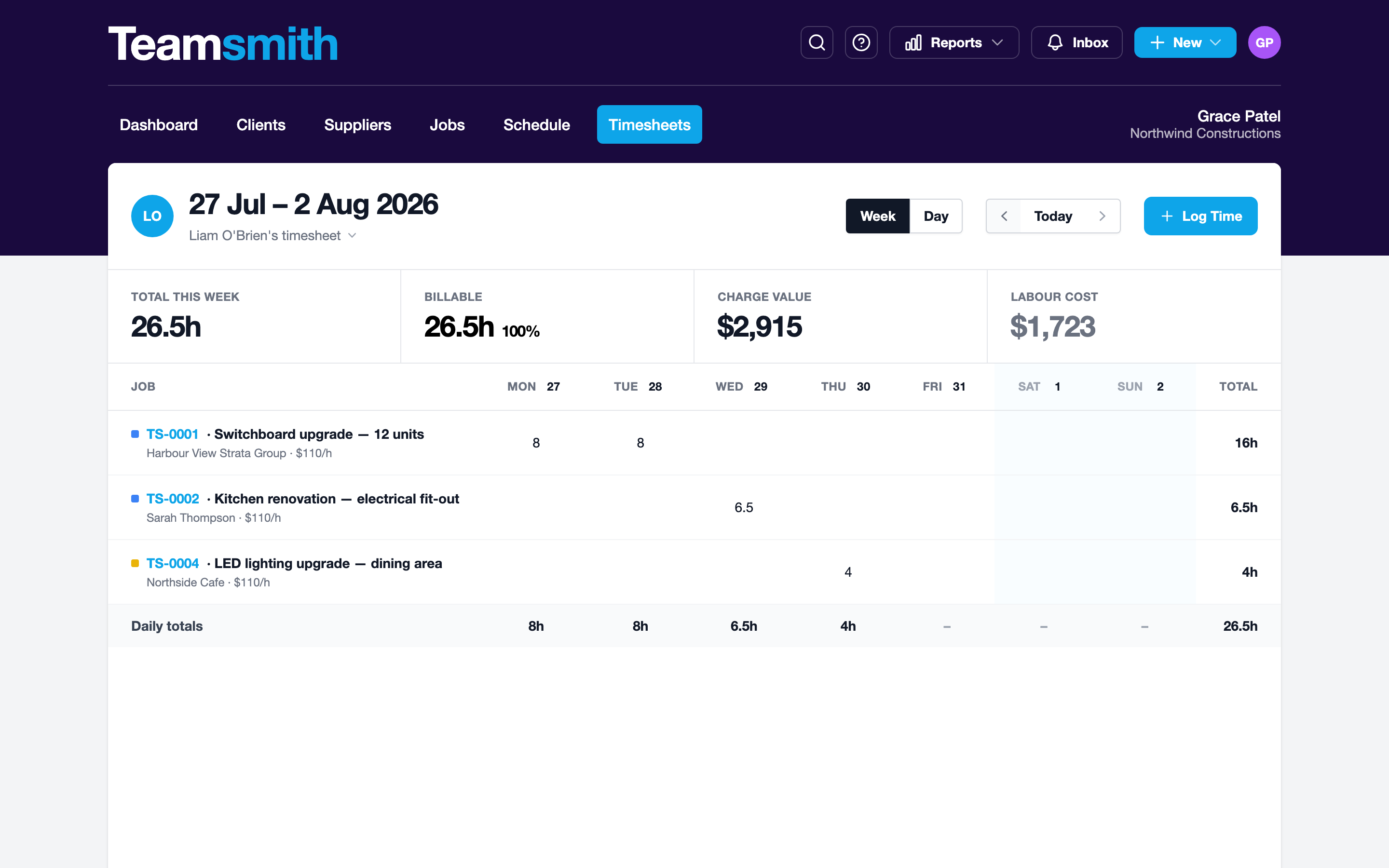
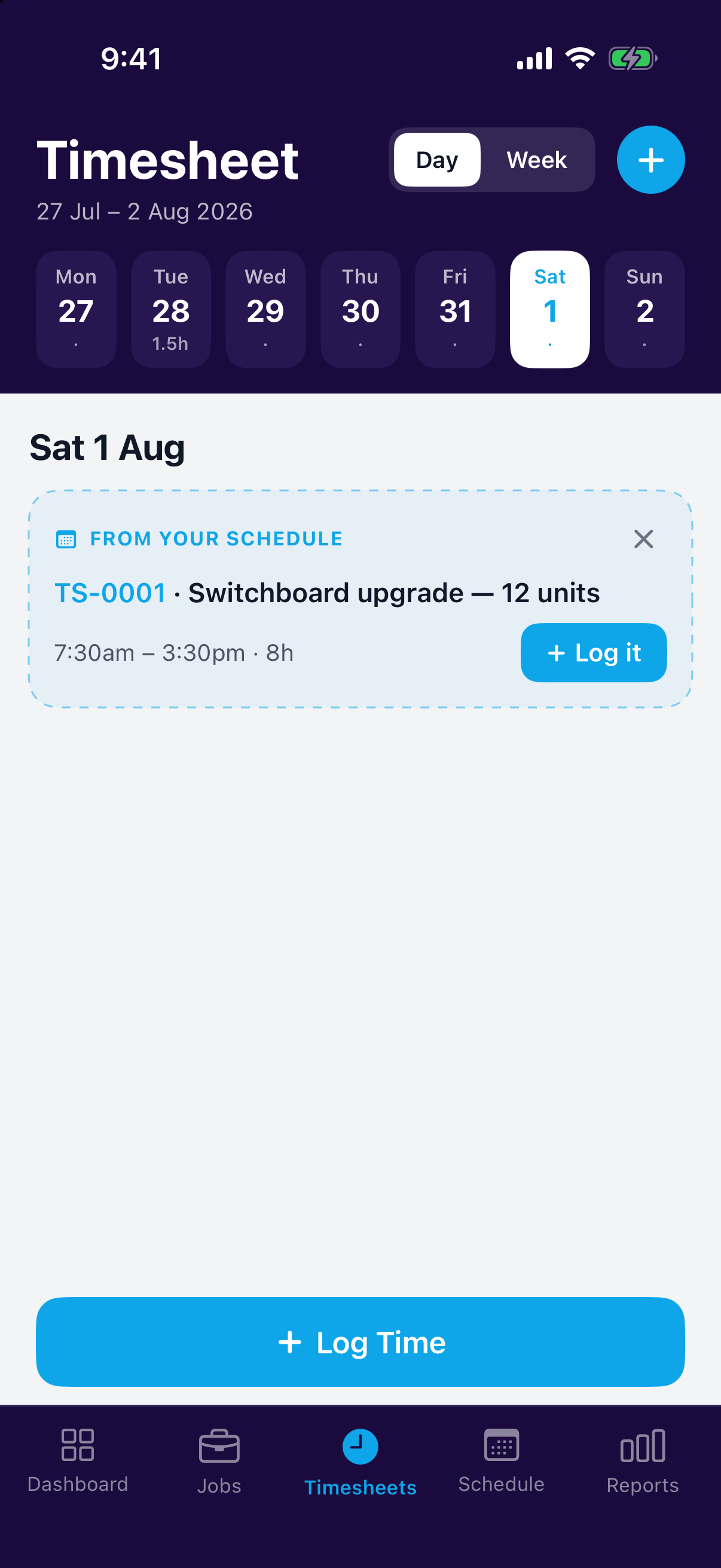
The weekly timesheet view lays out everyone's hours by job and by day. Gaps where scheduled appointments haven't been logged as time are flagged, so missed hours get caught in the same week, not at invoice time.
Reviewing the week
Open the weekly view for the whole grid: staff down one side, days across the top, totals on the edges. The width makes overlaps and gaps easy to spot before you sign off the week.
Open the weekly view on your phone to scan the same hours and flagged gaps day by day, enough to catch a missed entry while you remember the job.
Who sees timesheets
Timesheet access is controlled by permissions: team members see their own hours, while managers with the Timesheets permission see the whole crew.