Forms attach to jobs and get filled in where the work happens. Every field you set up in the template is there: photos, signatures, the lot.
Filling one in
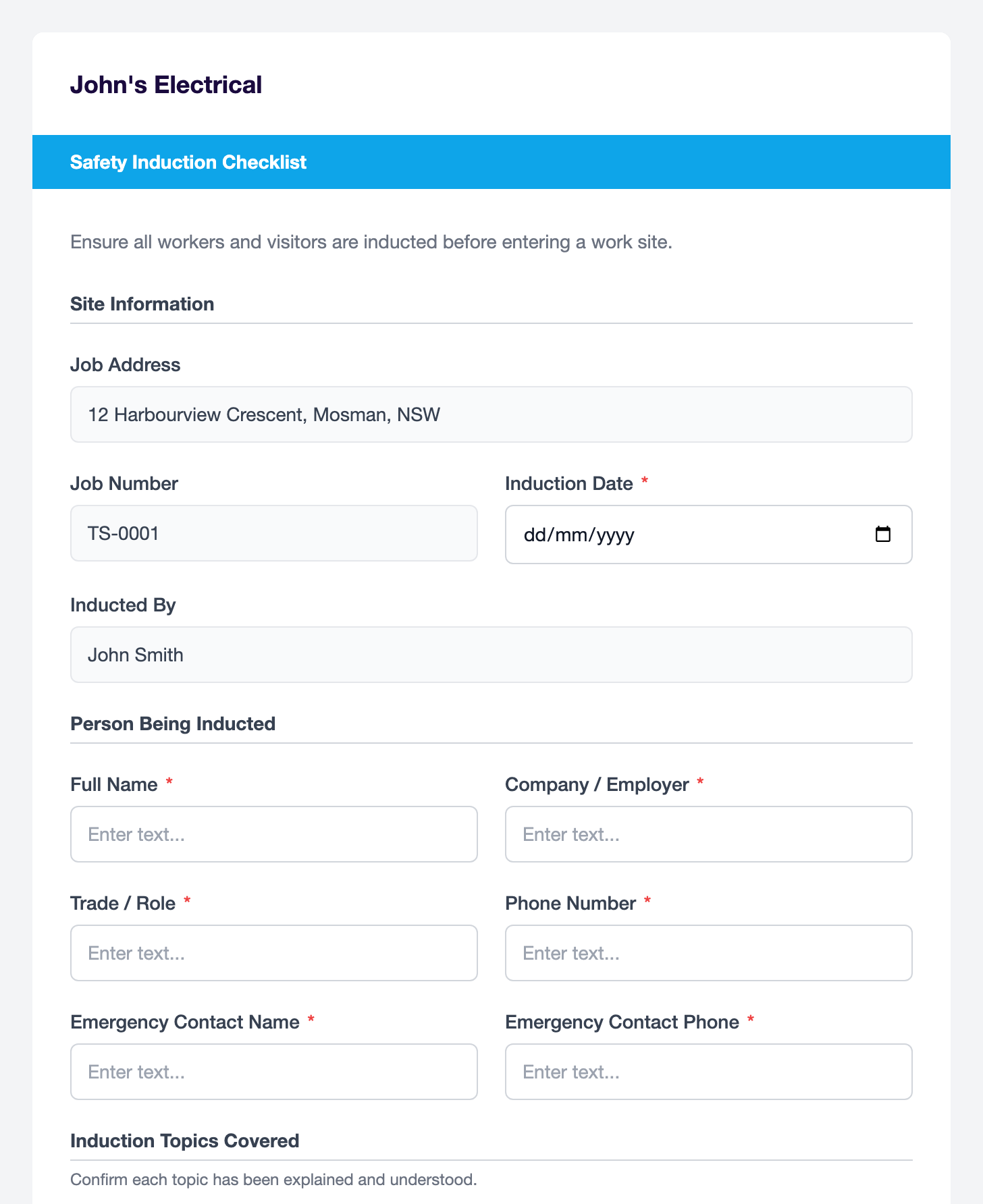
Open the job, open the form and work down the fields. Attach photos from your machine and collect a signature with the mouse or trackpad. Good for finishing off in the office.
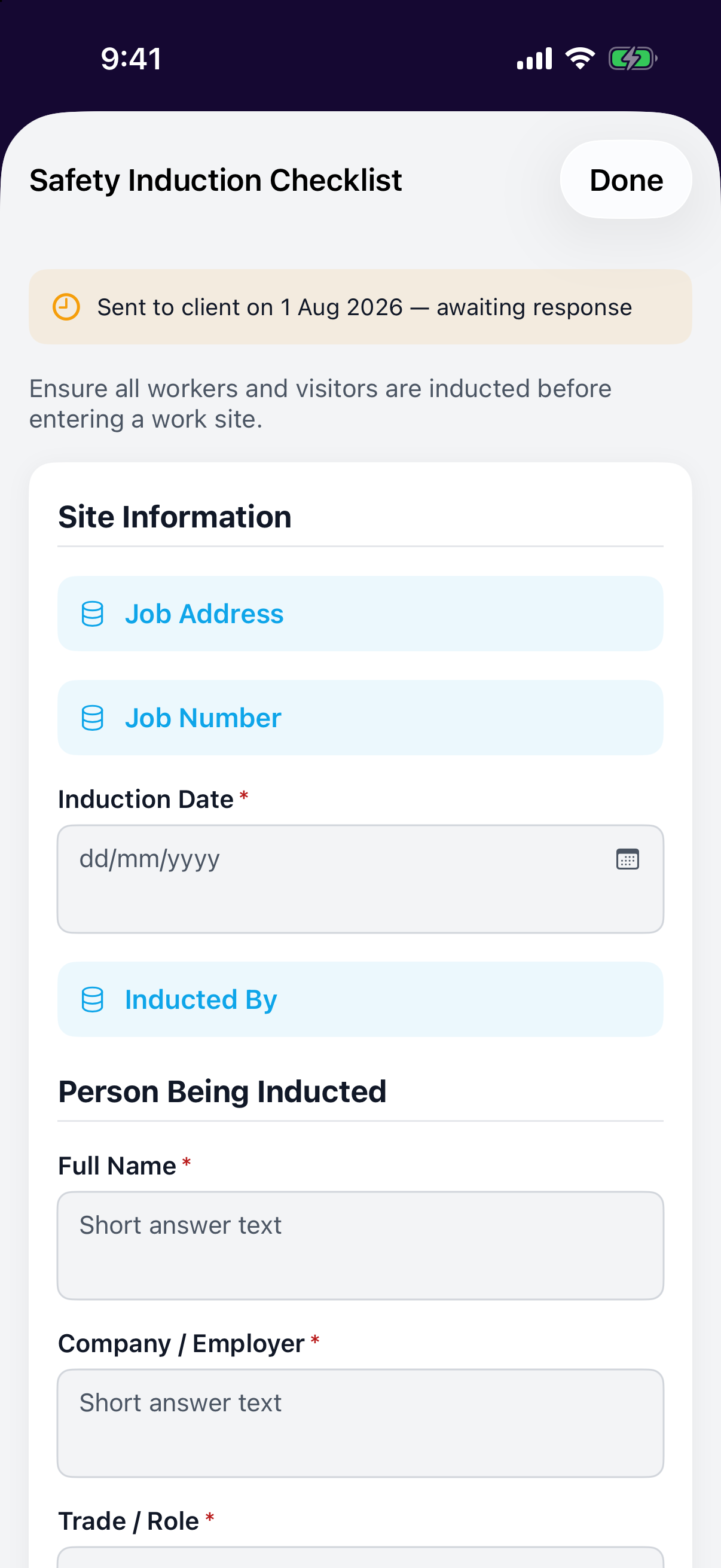
Open the job, open the form and fill it in on site; take photos straight into photo fields and collect signatures on the screen with a finger.
Where completed forms go
Completed forms save against the job as PDFs. They're there when the builder, the client or the auditor asks; no shoebox of paperwork required.