Connect Teamsmith to Xero and your clients stay in sync and your invoices flow straight through to your accounts. No re-keying, no missed numbers at BAS time.
What syncs
Clients and contacts, both ways. Sync Now pulls your customers in from Xero and sends any unlinked Teamsmith clients back, matching on name, email and phone. After the first sync, updates you make in Xero flow through automatically.
Invoices, on demand. To send an invoice to Xero, open it and use the push button under Accounting — it lands in Xero ready for the books, no double entry.
Connecting
You connect once. Authorising Xero lets Teamsmith send data on your behalf; you can disconnect any time.
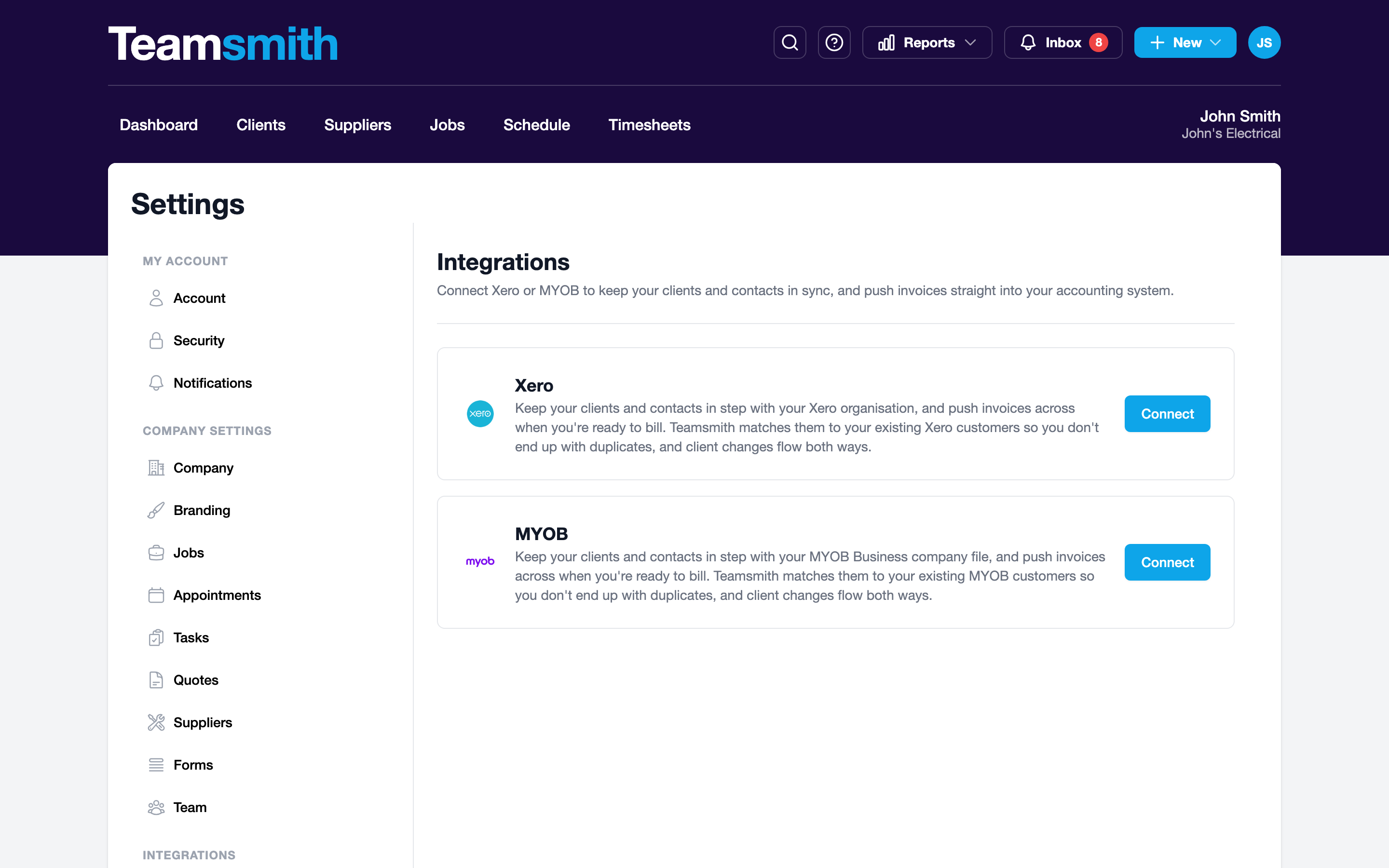
Go to Settings → Integrations and choose Xero. You'll be sent to Xero to log in and approve access, then dropped back into Teamsmith, connected.
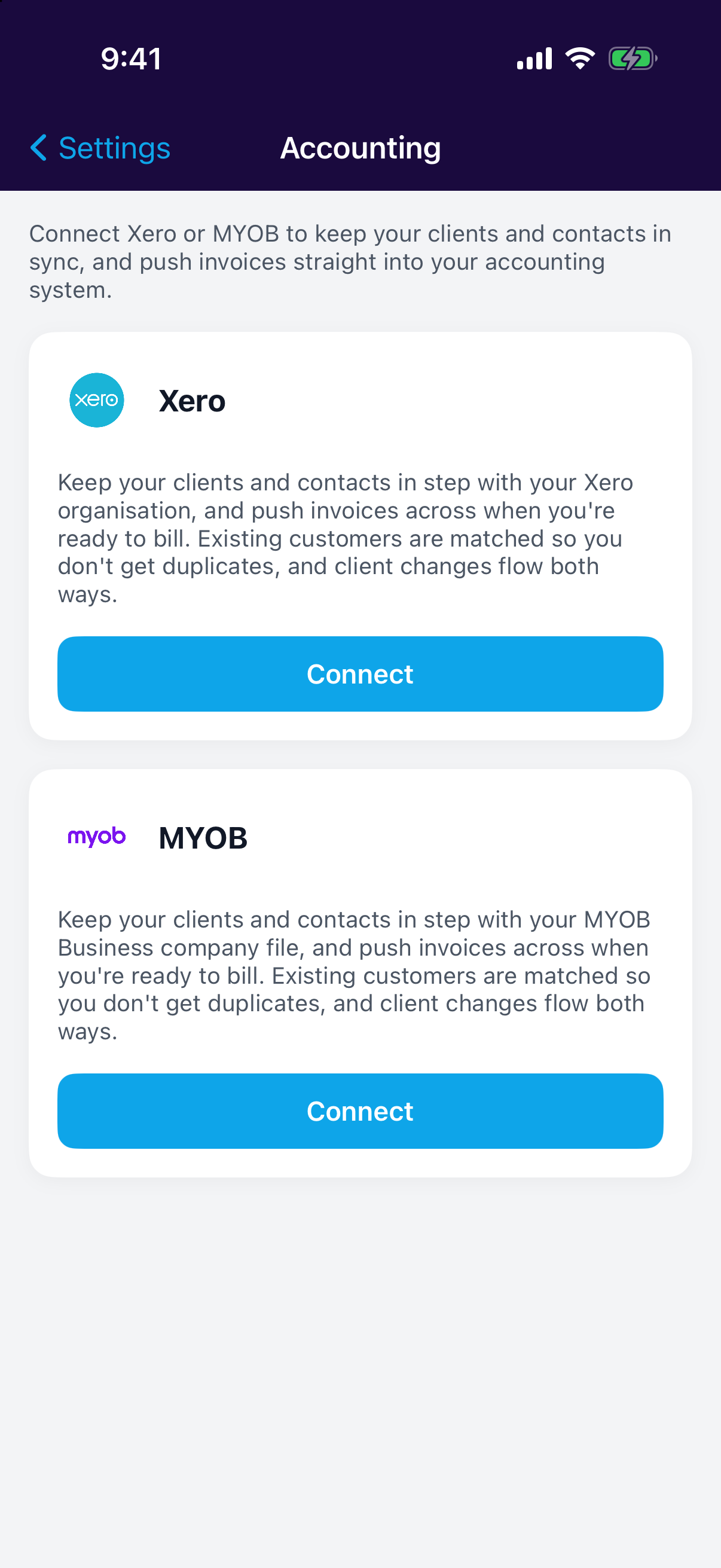
Go to Settings → Accounting and choose Xero. Log in and approve access when Xero prompts you, and you'll return to Teamsmith connected.
One or the other
Connect the accounting software you actually use. If you're on MYOB instead, see Connecting MYOB.