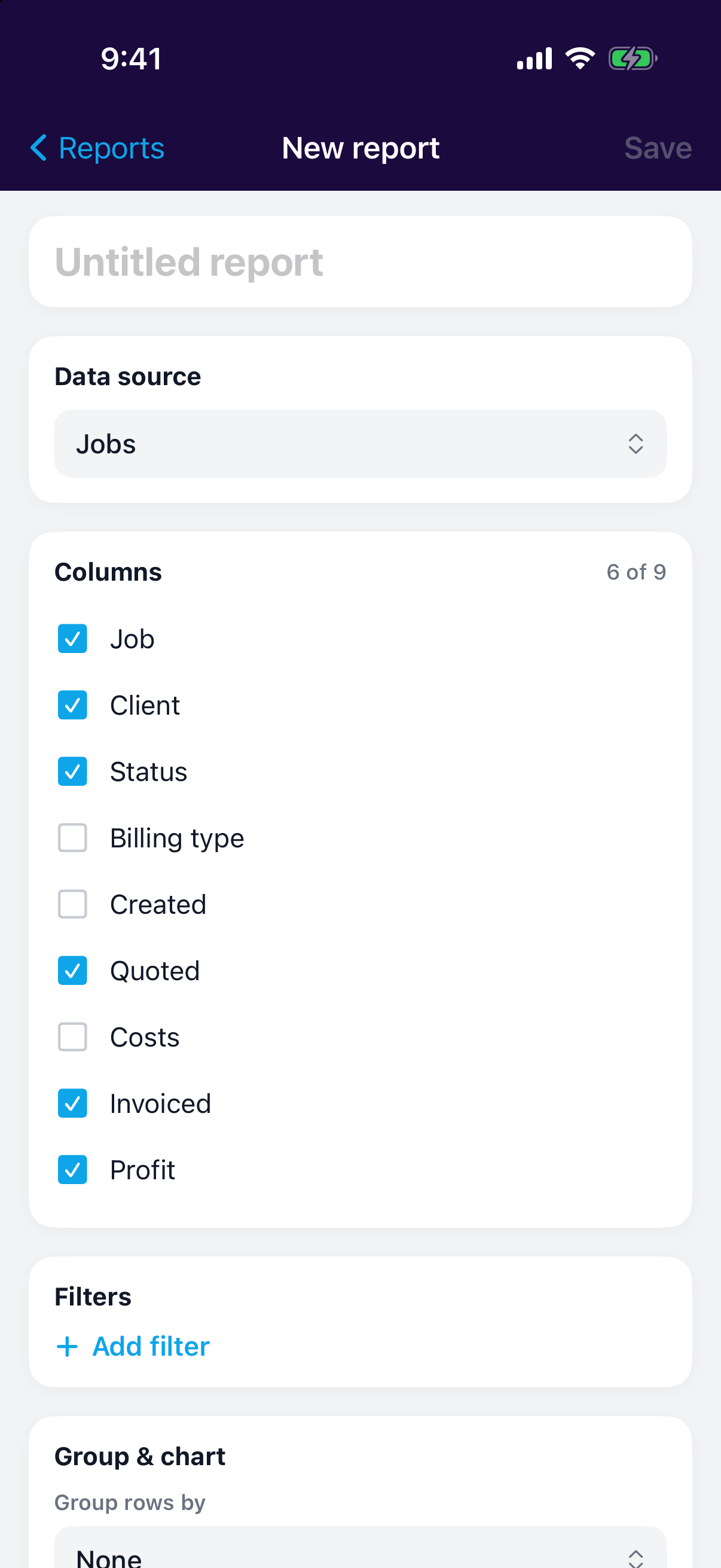
When the predefined reports don't ask your question, build your own. The custom report builder lets you pick your data, shape the columns, filter it down, and save it so it's there next time.
Building a report
Start by choosing a data source: Jobs or Invoices. That decides what each row represents and which columns you can show.
Then:
- Choose columns: pick the fields you want to see across the report.
- Add filters: narrow the rows down to what matters (a period, a status, a client).
- Preview: check the result before you commit.
- Save: name it, and it joins your reports so you can reuse it any time.
Save the questions you ask often
A saved report beats rebuilding the same view every month.
Open the builder, pick Jobs or Invoices, then tick the columns and filters. The preview updates as you go. Click Save when it looks right.
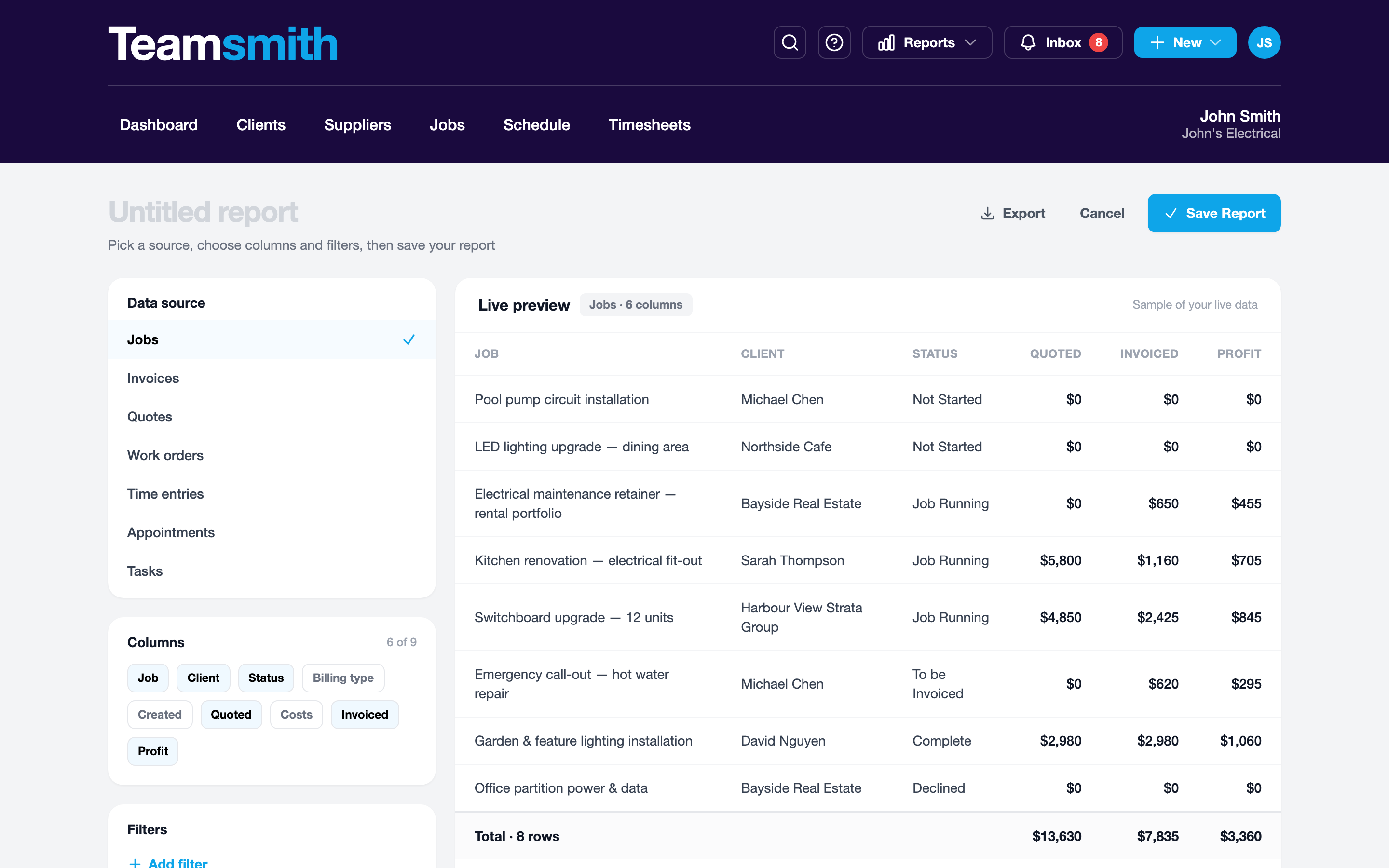
Open the builder, choose your source, then set columns and filters. Preview the result and tap Save to keep it.