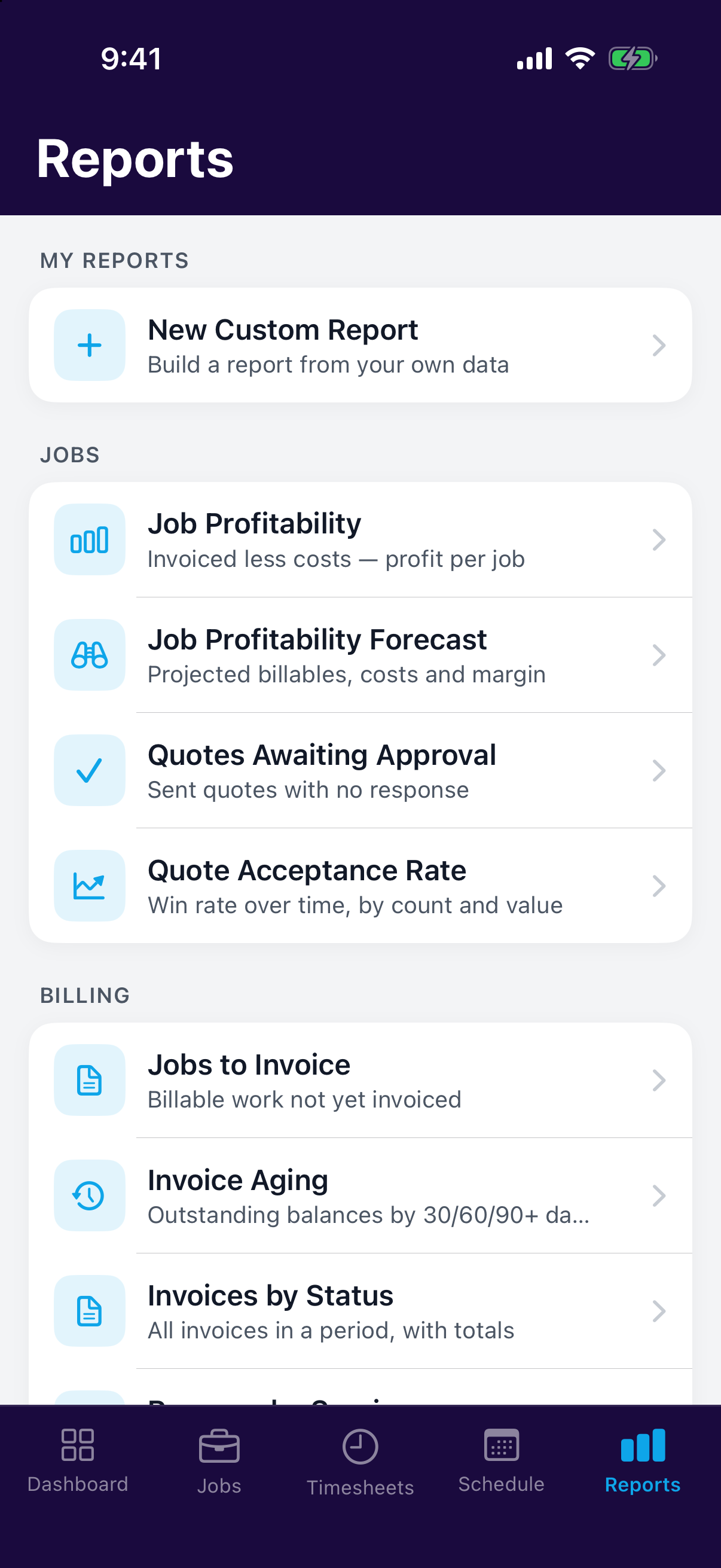
Reports turn your day-to-day data into answers. Every report lives in one place, the reports hub, so when you need to know what a job made or who's owing you money, you start there.
The reports hub
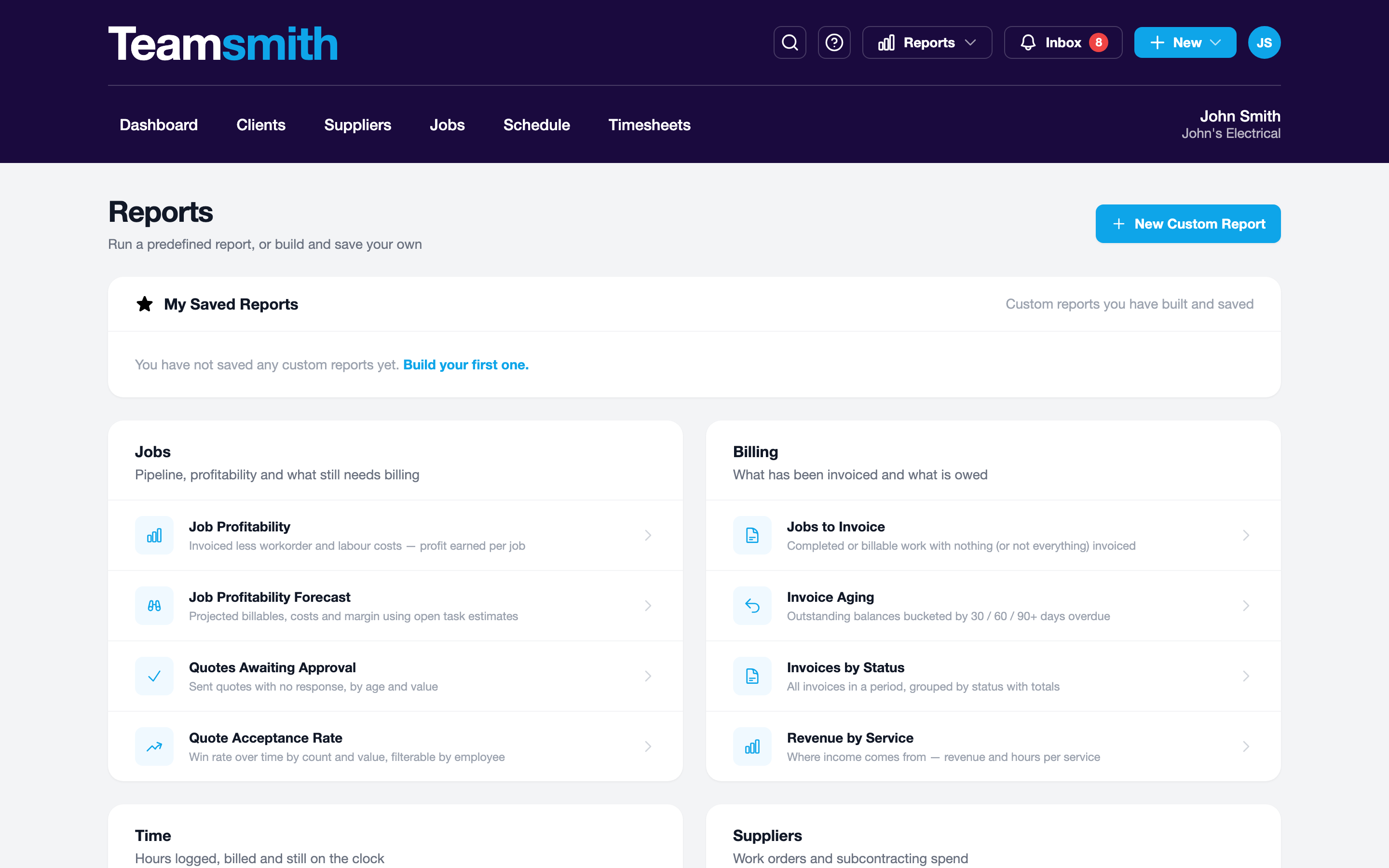
The hub lists every predefined report, grouped by theme so you can find the right one fast:
- Jobs & profitability: Job Profitability, Job Profitability Forecast, Jobs to Invoice.
- Quotes: Quotes Awaiting Approval, Quote Acceptance Rate.
- Invoicing & money: Invoice Aging, Invoices by Status, Revenue by Service.
- Time: Billed vs Unbilled Time, Timesheets by Staff, Staff Utilisation, Activity.
- Schedule: Upcoming Appointments, Unbilled Appointment Time.
- Suppliers: Supplier Spend, Subcontract Margin, Outstanding Work Orders, Work Order Spend.
Want something the list doesn't cover? Build your own with the Custom Report Builder.
Opening and filtering a report
Click a report to open it. Set the date range and any other filters at the top, and the figures update straight away.
Tap a report to open it. Adjust the period and filters at the top; the results refresh in place, sized for the phone.