Appointments are booked against a job and assigned to one person or a whole crew.
Creating an appointment
From the Schedule tab, drag across the calendar to block out a time, or click New Appointment on the job. Pick who's going; everyone assigned sees it on their phone instantly.
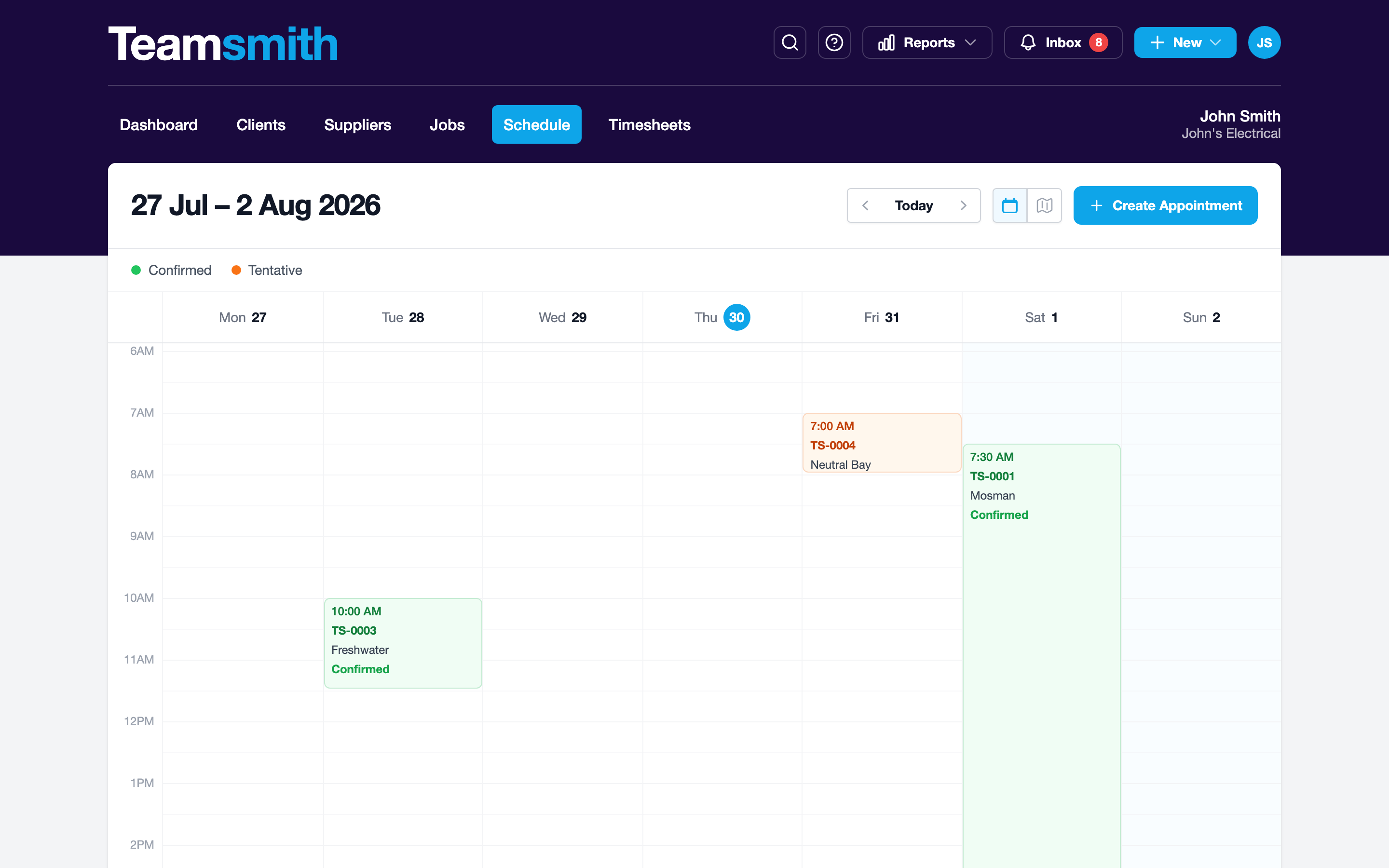
From the job or the Schedule tab, tap New Appointment, pick a time, duration and who's going. Everyone assigned sees it on their phone instantly.
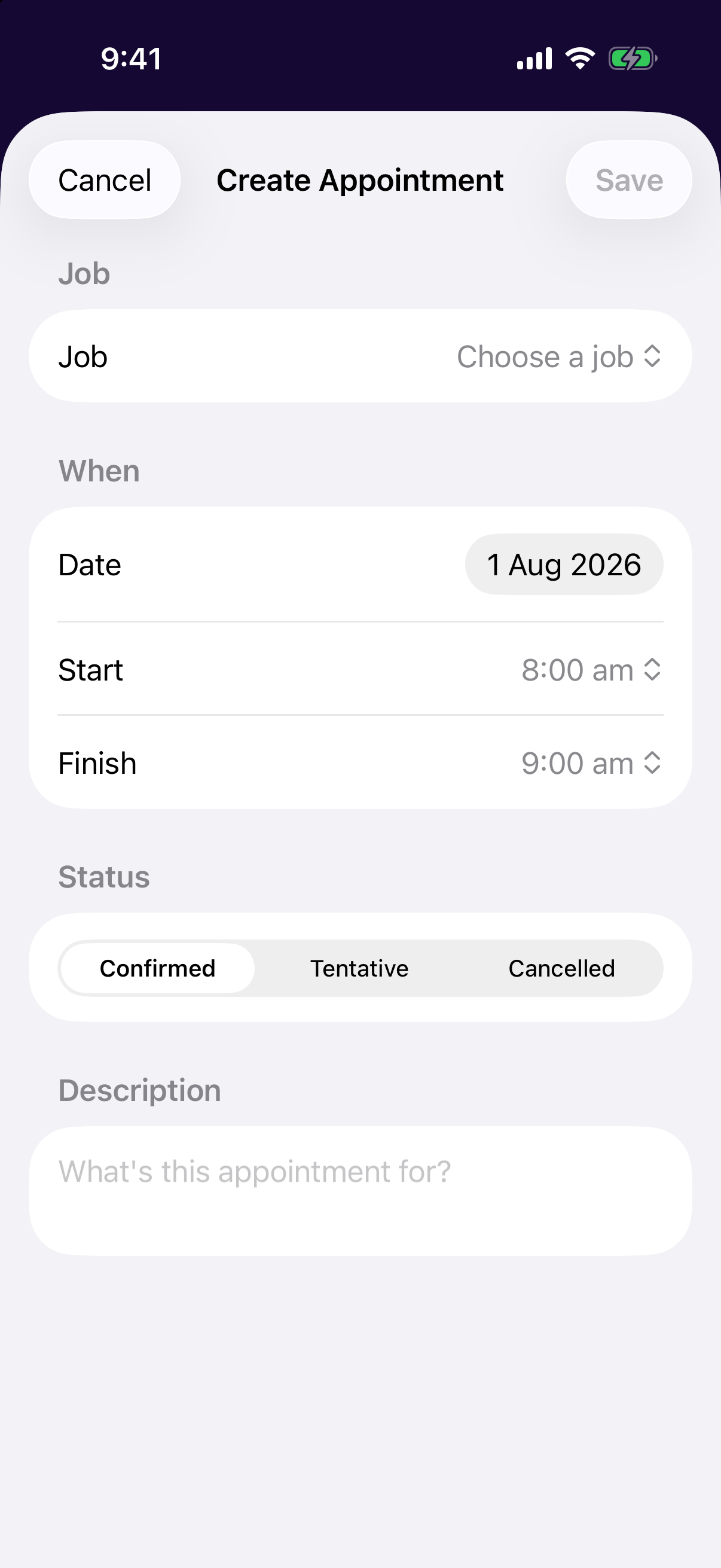
Confirmed vs tentative
Mark a booking tentative to pencil in work that isn't locked yet (quotes you expect to win, weather-dependent jobs) without blocking real work. Flip it to confirmed when it's on.
Tentative bookings don't notify the crew
Only confirmed appointments send a notification and count toward someone's day. Tentative ones are just for your planning.