The Schedule tab gives you more than one way to see the day. Map view puts the day's appointments on a map and draws the route between them, with travel times. The calendar views are for planning who's doing what and when.
Ways to see the day
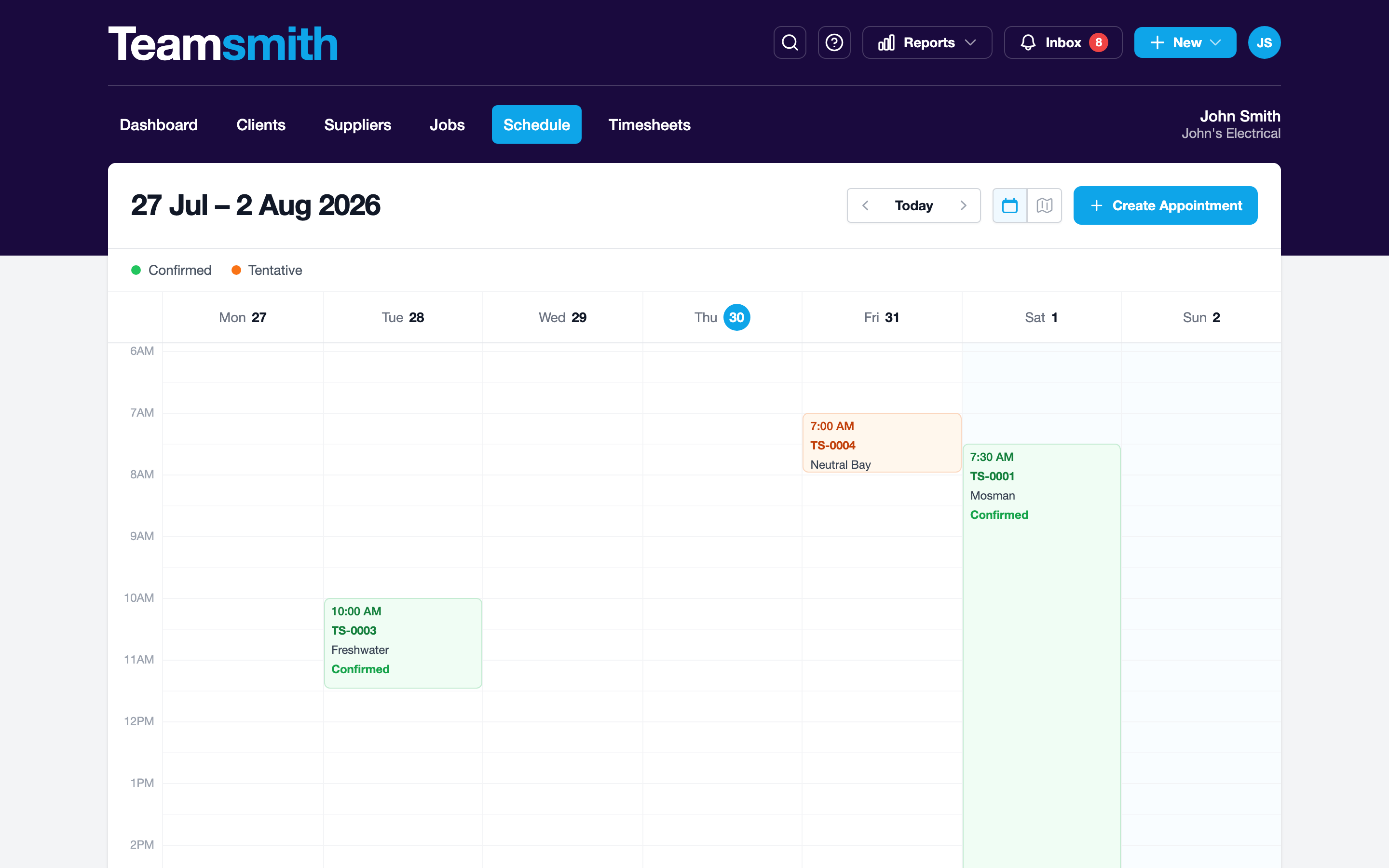
The web schedule has a team view (everyone's run side by side, so you can see who's where and who's got room for the emergency call-out), plus a calendar view for planning ahead across the week, and a map view of the day's route.
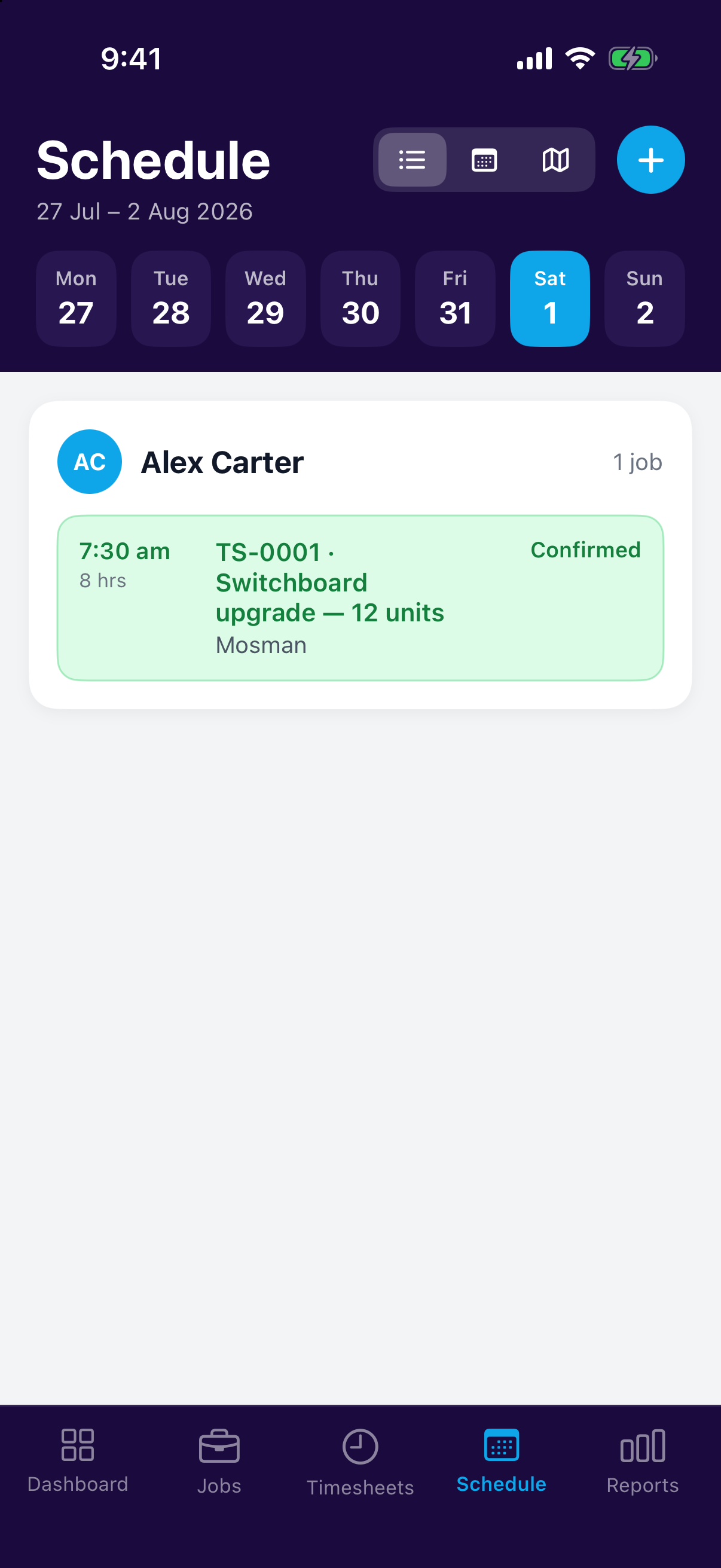
The app gives you a day/agenda view (your run for the day in order) and the map view, so you can follow the route from job to job on your phone.
Location permission
The route-from-current-location feature asks for location permission on your phone. It's optional; decline it and routes simply start from your first appointment. Your location is used on your device only and is never stored or shared.