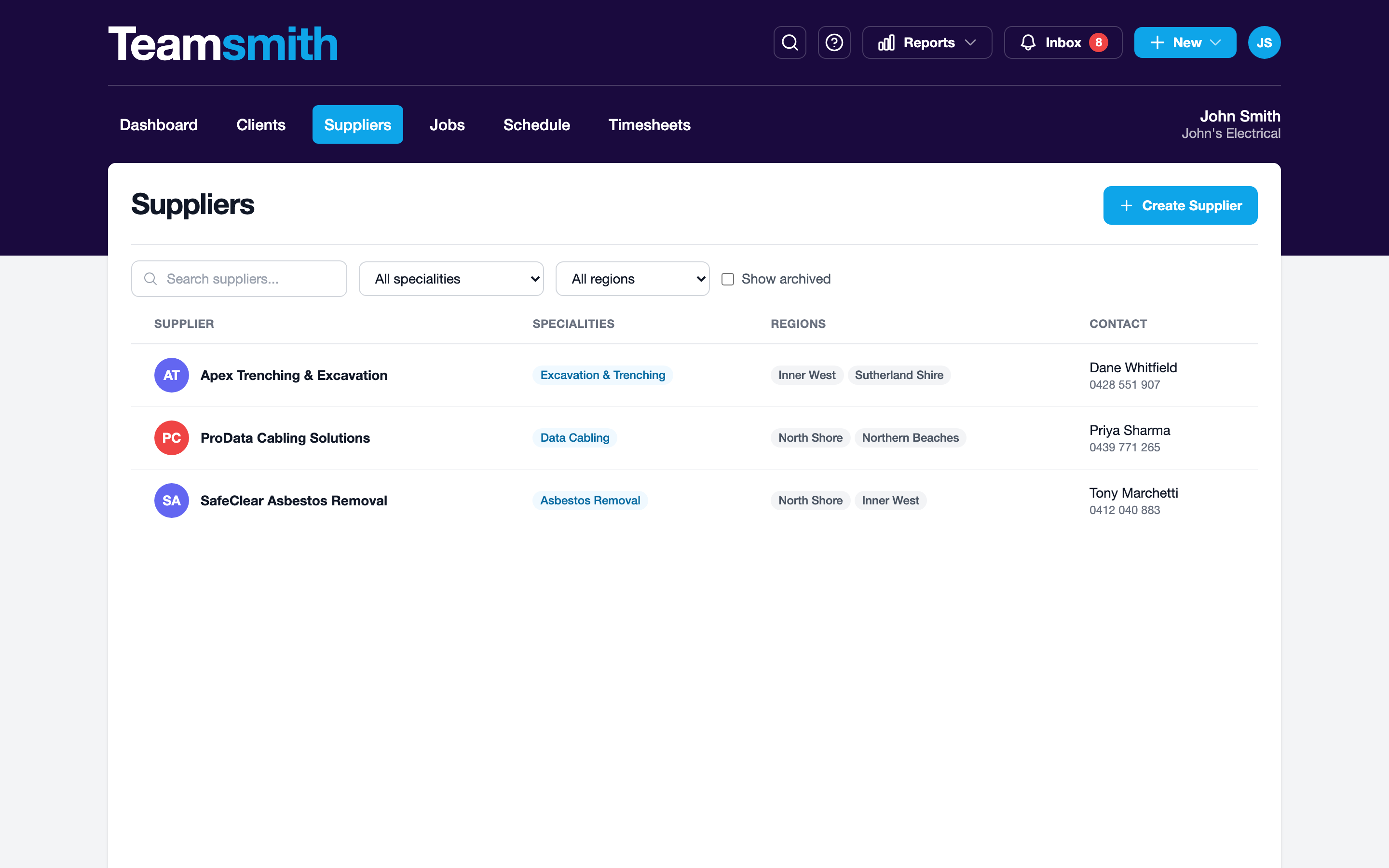
Suppliers are the businesses you buy from or subcontract to. Add them once and Teamsmith keeps a tidy directory: name, contact details and everything you need to reach them. You'll pull from this list whenever you raise a work order.
Adding a supplier
Open Suppliers and choose New Supplier. Enter the business name and contact details (phone, email and address), then save. The new supplier appears in the directory straight away.
Reach suppliers from Settings, or tap the + quick-create and pick Supplier. Enter the business name and contact details, then save. Sized for one-handed use out on site.
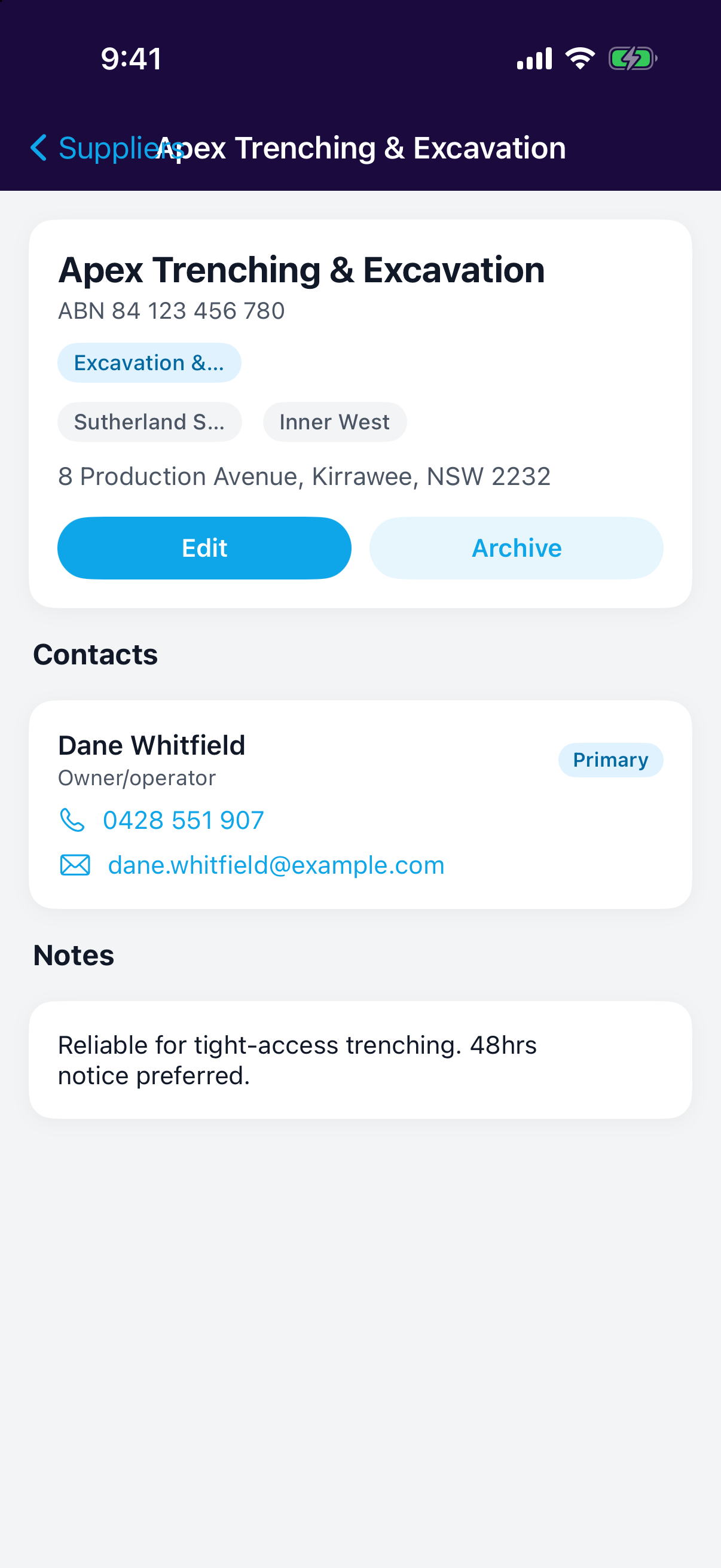
The directory
Every supplier lives in one list. Open any supplier to see its detail view, and edit the contact details whenever they change; keep it current so the right details land on your work orders.