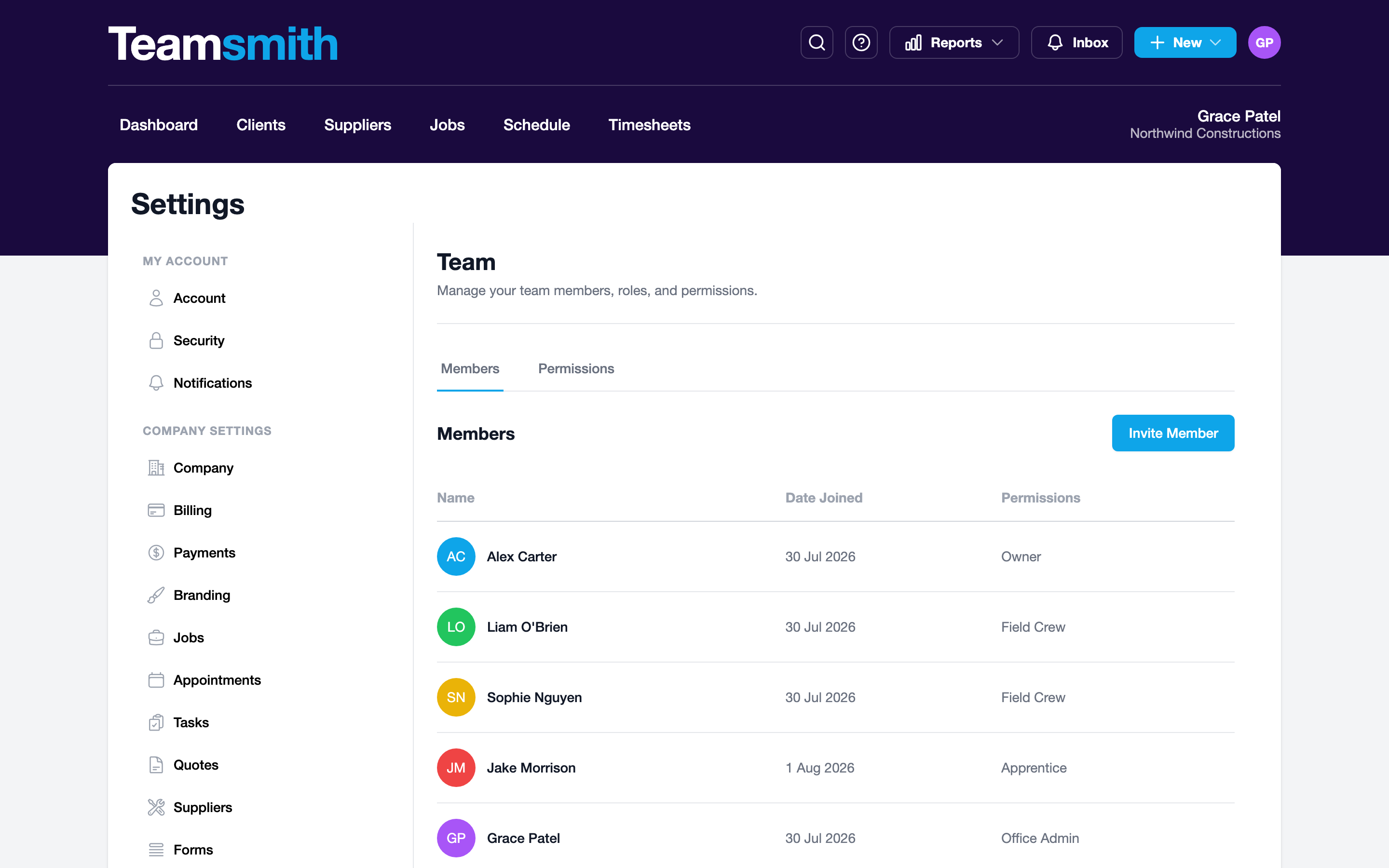
Users are managed under Settings → Team. Your subscription covers a set number of seats at $30 per user, per month plus GST, and anyone who logs in uses one. When someone leaves, deactivate them; they lose access immediately and free up their seat. Their history (hours logged, jobs worked) stays on the record. To pay for more or fewer seats, adjust your subscription under Settings → Billing.
Adding and deactivating users
Open Settings → Team, invite team members by email, and deactivate anyone who leaves from the same list.
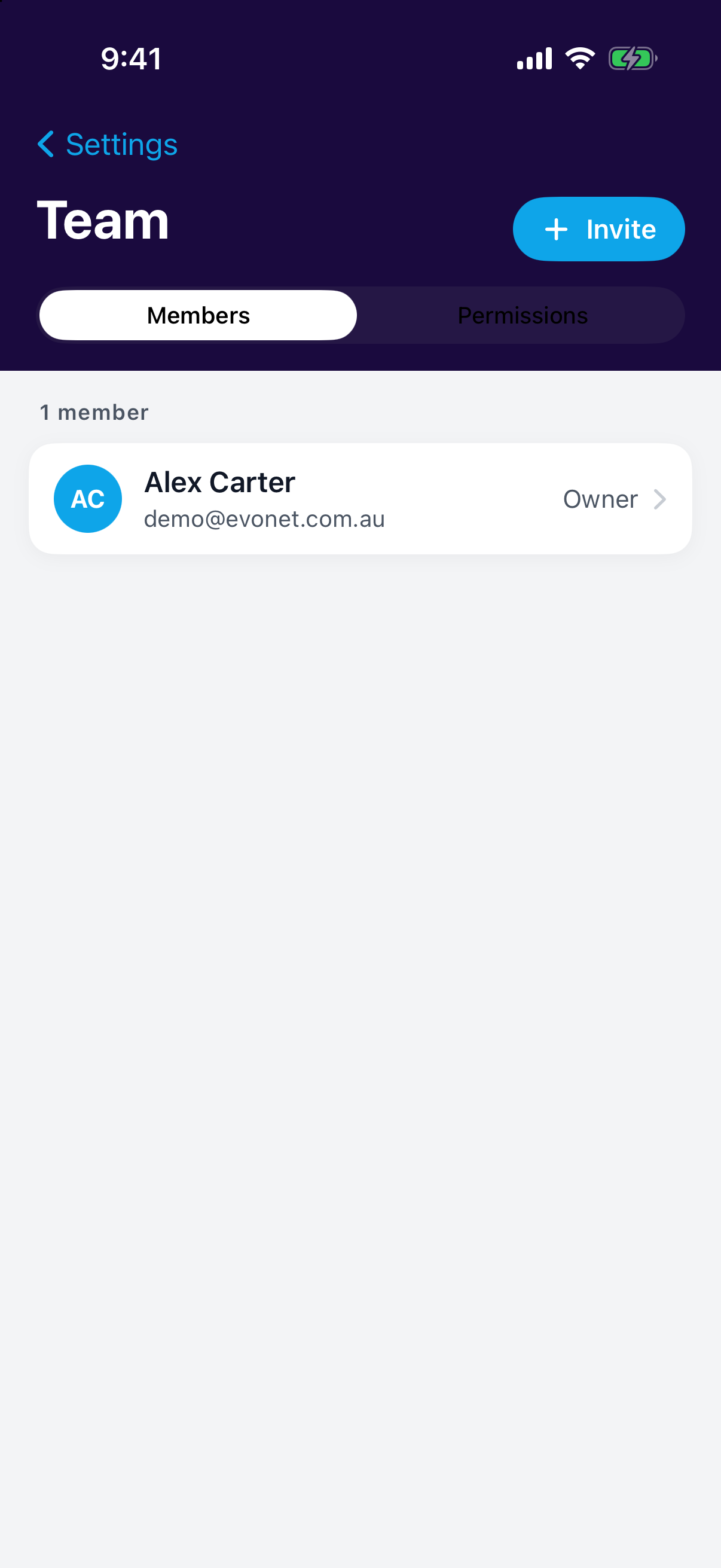
Open Settings → Team, invite team members by email, and deactivate anyone who leaves by tapping through to their profile.
Permissions
Each user's permission profile controls what they see: jobs and timesheets for the field, billing for the office, everything for the owner.
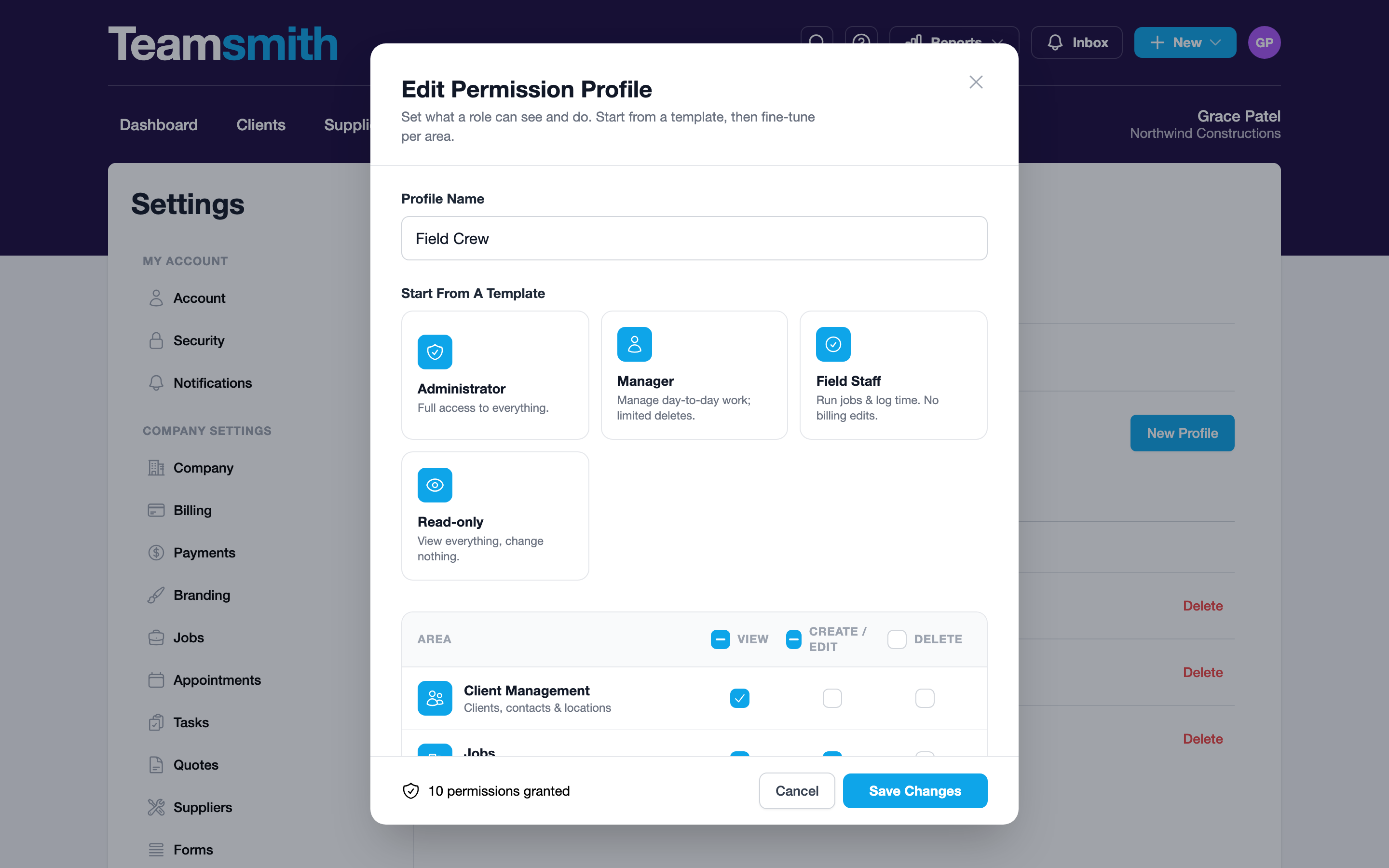
Edit permissions on the web
You can view profiles anywhere, but editing a user's permissions is done on the web.