Teamsmith bends to fit your business. The feature settings pages let you shape the parts you touch every day, so the app matches your workflow instead of the other way around.
You can configure:
- Job statuses: the stages a job moves through, and which one new jobs start on.
- Job types: your own categories of work (Maintenance, Installation, Warranty, and so on), plus job numbering, prefixes and default rates.
- Appointments: appointment settings.
- Quotes: quote numbering, how long a quote stays valid, a default deposit, automatic follow-ups and the terms and conditions that go on every quote.
- Invoices: invoice numbering and default payment terms, plus automatic payment reminders.
- Tasks: task settings for the work that hangs off a job.
- Suppliers: supplier settings for your merchant list.
- Form templates: reusable forms your team fills out on site.
Open each feature's settings page to set job statuses and types, appointment options, quote, invoice and task settings, supplier settings and form templates.
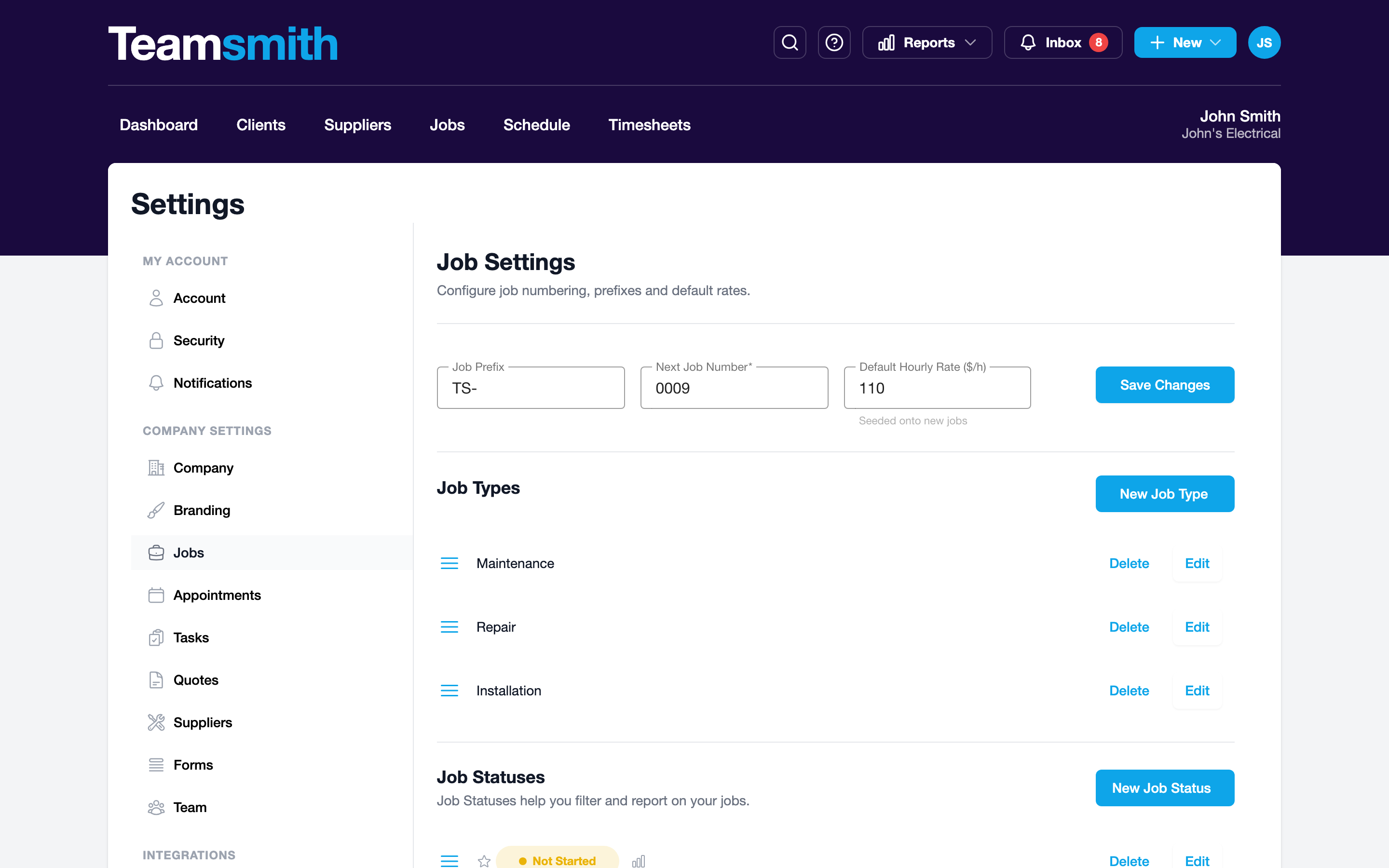
Tap your avatar, then Settings. The Company Settings list carries the same options as the web: Company, Branding, Jobs, Appointments, Tasks, Quotes, Suppliers and Forms, right down to the form builder.
Set it up once
Get your job statuses and templates right early, and every job after runs smoother.