Your profile is how you show up across Teamsmith. Your security settings decide how you get in.
Your profile
Your profile holds your name, photo and avatar colour. Set a photo or pick an avatar colour so teammates can spot your work at a glance across jobs and activity.
How you sign in
Teamsmith gives you a few ways to sign in:
- Password: the classic email and password.
- Passkey: sign in with Face ID, Touch ID or your device passkey. Fast, and nothing to remember.
- Google or Apple: use an account you already have.
Passkeys and social sign-in are set up in your security settings. Add a passkey once and skip typing a password from then on.
Open Settings → Account to edit your name, photo and colour. Under Settings → Security, add a passkey or connect Google or Apple sign-in.
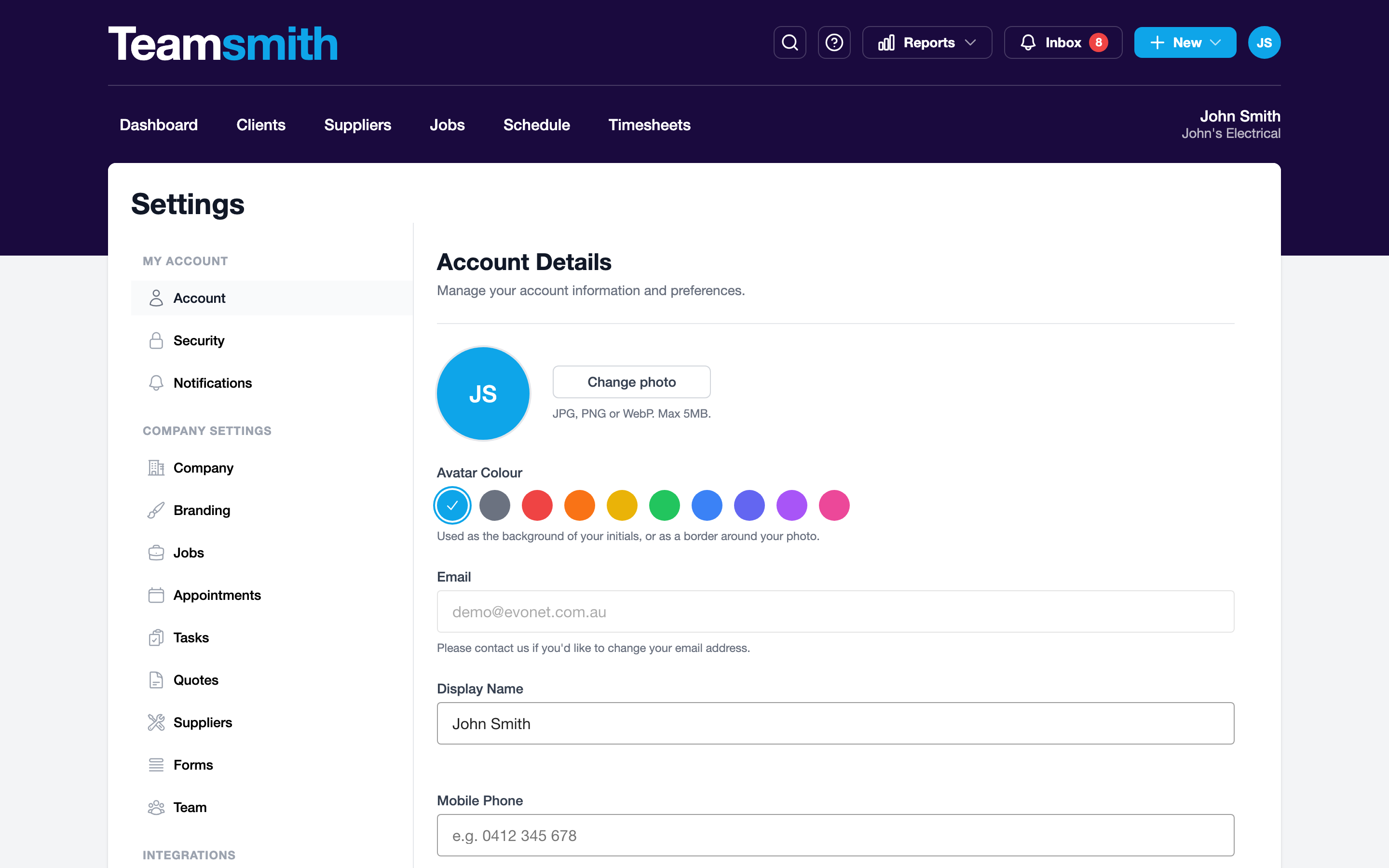
Open Settings → Account to update your profile. Under Settings → Security, register a passkey or connect Google or Apple sign-in.
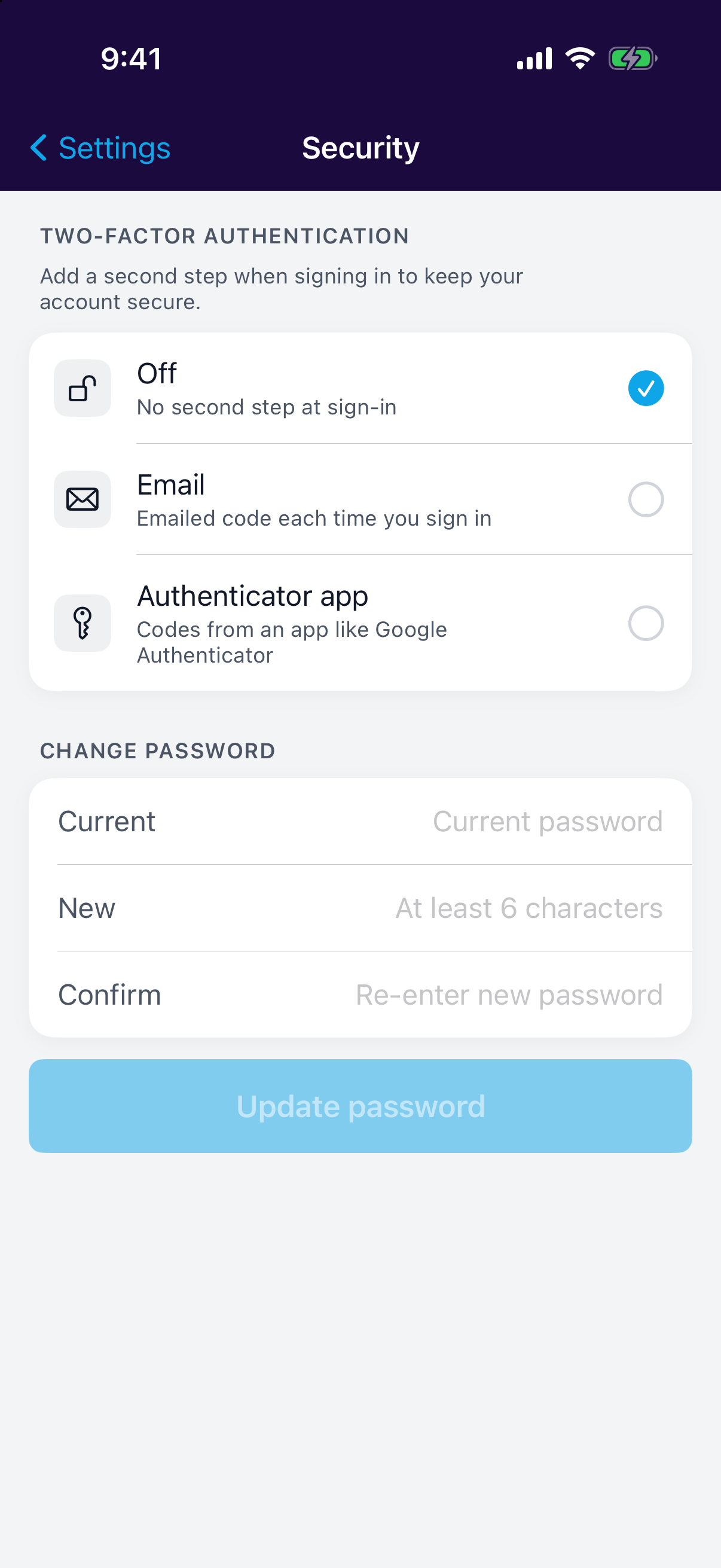
Set up a passkey
It's the quickest way back in, and there's no password to forget.