Bigger clients (property managers, builders, strata) have more than one site and more than one person to deal with. Add sites so job history builds up per site, and add contacts so you can pick who a quote or invoice goes to.
Adding sites and contacts
Open the client and add each site and each contact from their record. When the call comes in about "the Smith Street property", you'll see every job you've done there.
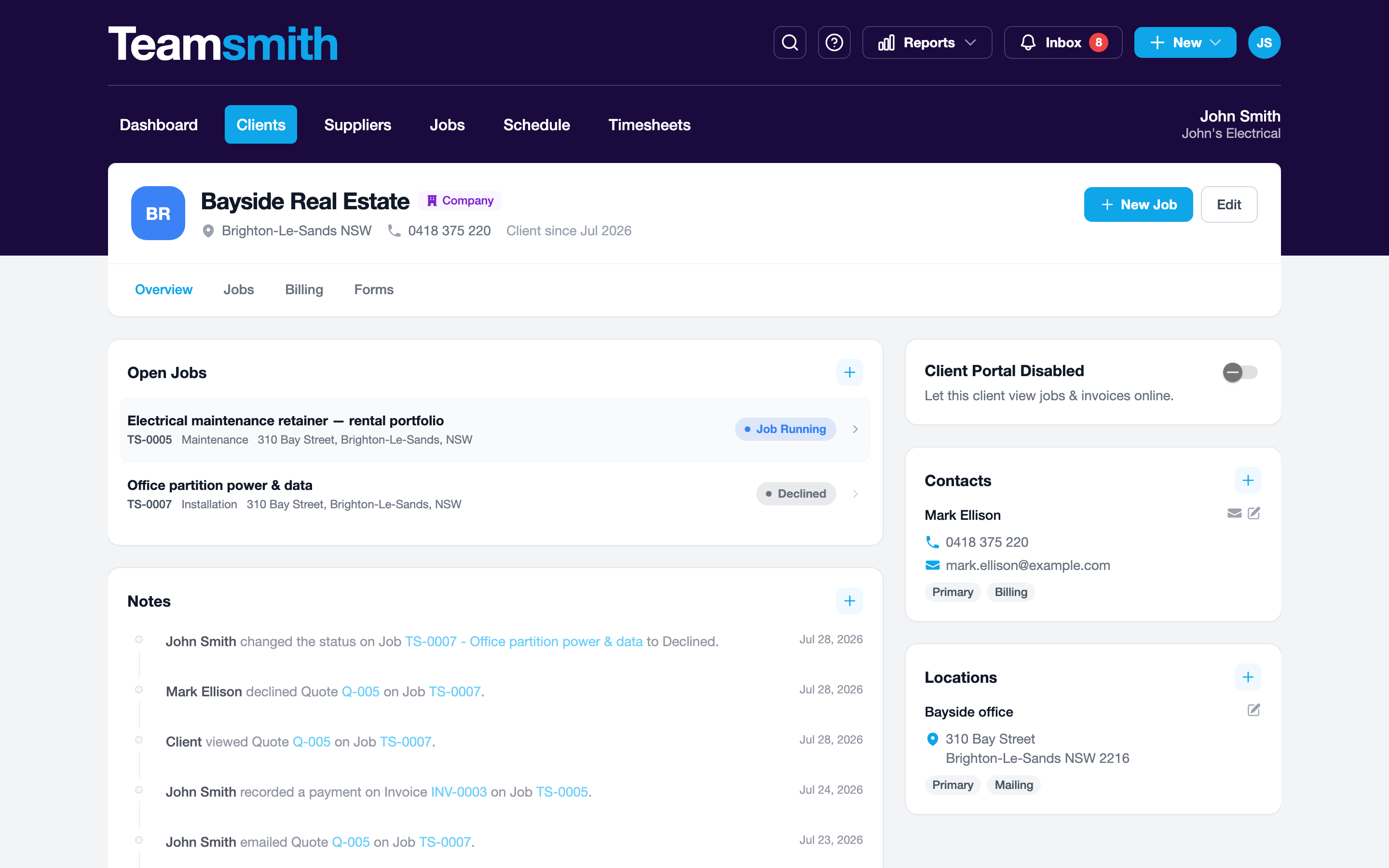
Open the client and tap to add each site and each contact, giving every contact their own phone and email.
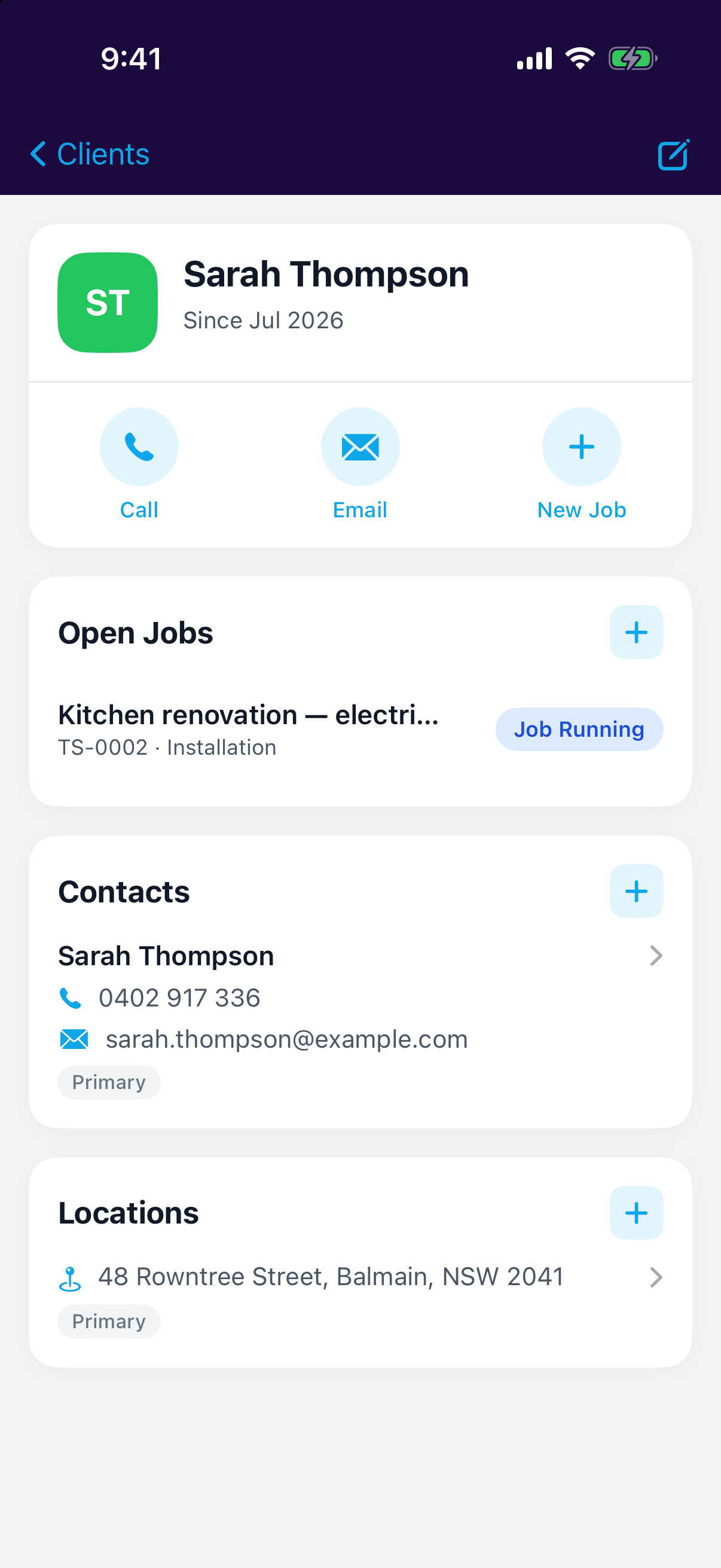
When you send a quote or invoice, pick which contact it goes to.