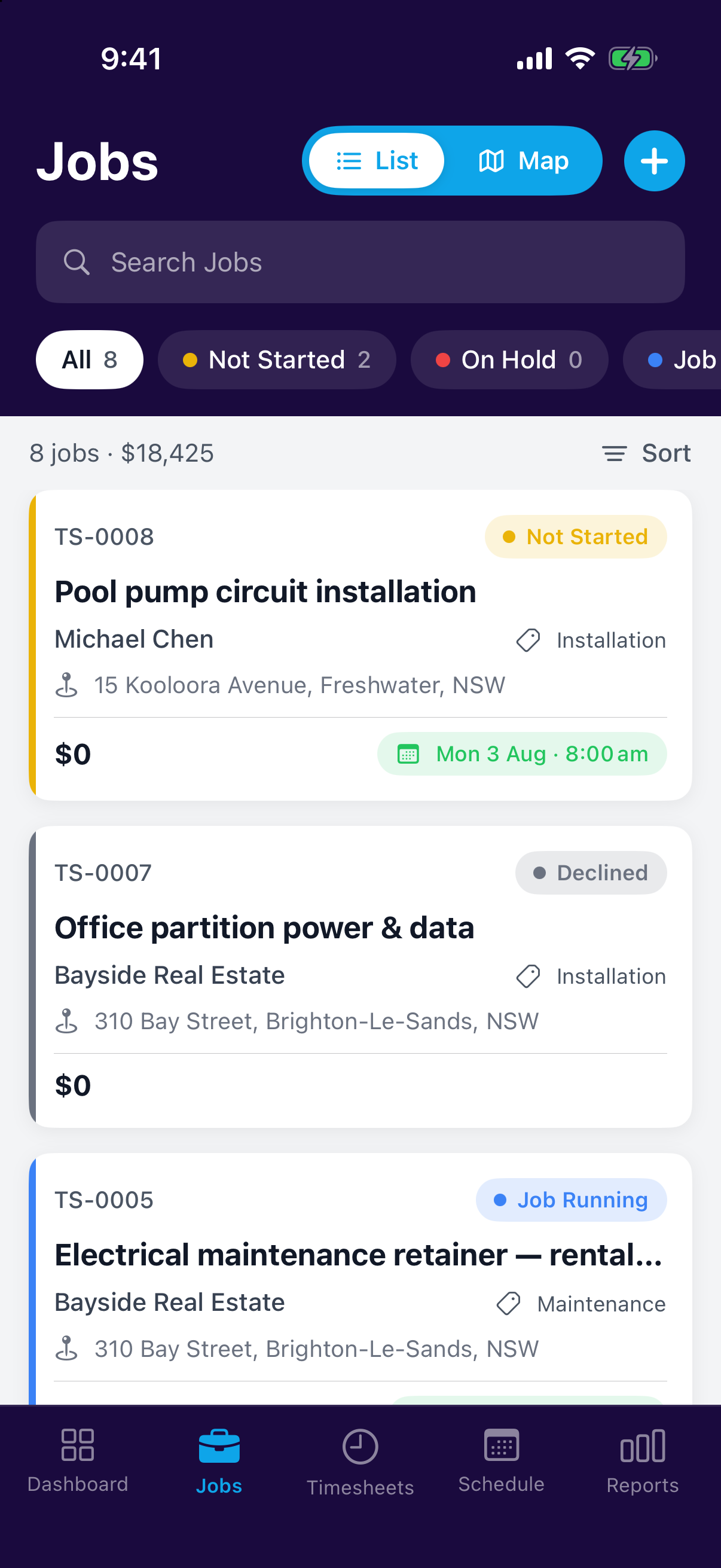
Every job has a status that tells you where it stands at a glance. Status is about where the job is up to; the kind of work it is, is the job type.
Not StartedBooked in but no work done yet.
On HoldWaiting on parts, access or approvals.
Job RunningWork is underway.
To be InvoicedWork's done, money's waiting.
Seeing where jobs stand
The dashboard shows jobs grouped by status as columns with dollar values, so you can see what's stuck and what's ready to bill without opening a single job. Drag a job between columns to change its status.
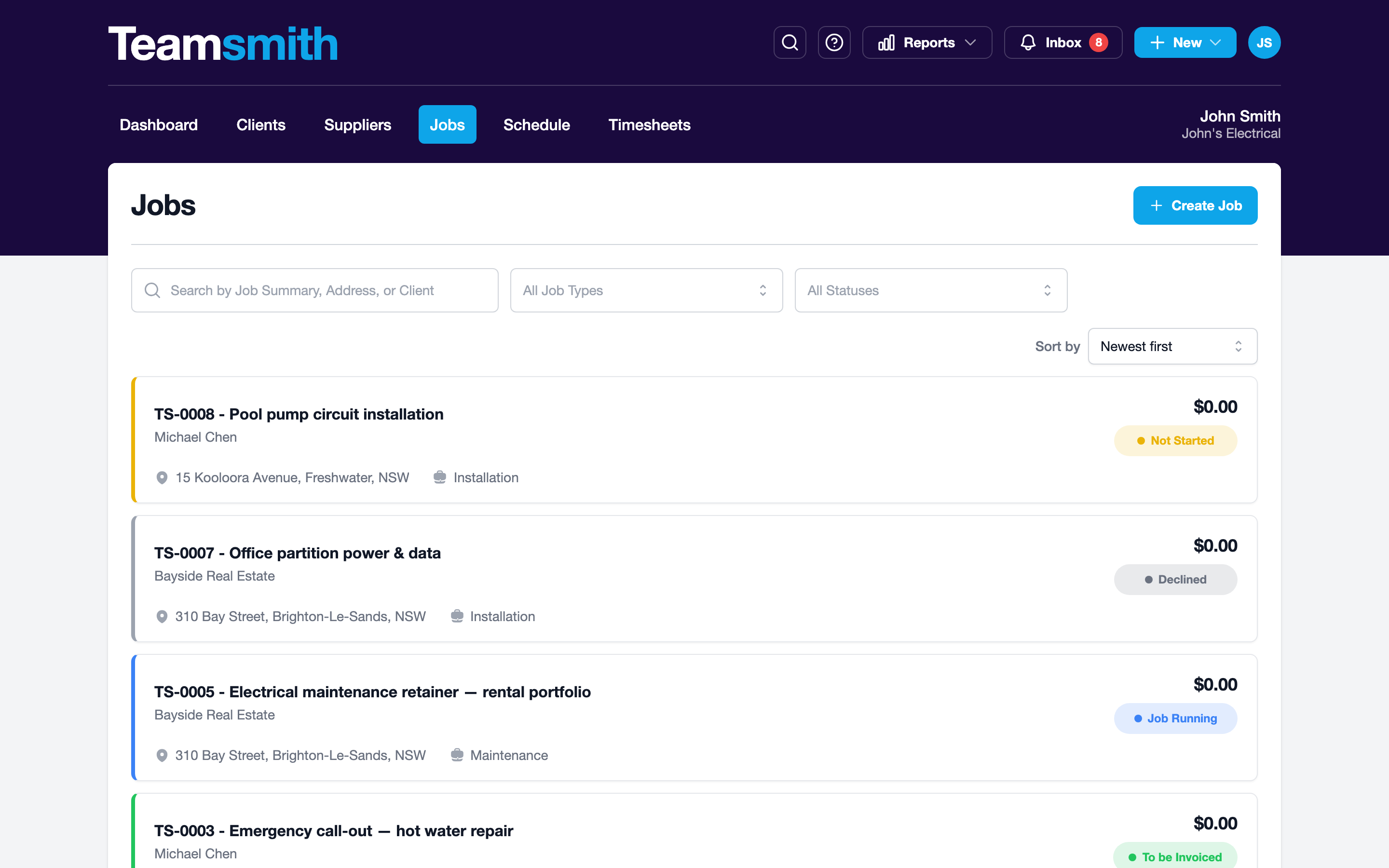
The Jobs tab lists your jobs with a coloured status pill on each. Filter by status to zero in on what's on hold or ready to bill. Open a job and tap the status pill to change it.
Archived is different
Archiving takes a finished job off your active lists without deleting it. It's a separate action from status; archived jobs still show in reports and search.