Tasks are to-dos. Teamsmith keeps them in two places: on the job for work tied to that job, and in a standalone list for everything that's on your own plate.
Use the job's Tasks tab for the little things a job needs: order the part, call the client back, book the inspection. They stay with the job so nothing slips.
Use the standalone Tasks list for personal to-dos that span everything: follow-ups, admin, reminders that aren't pinned to one job.
Job tasks
Open the job and go to the Tasks tab. Add a to-do, tick it off when it's done. Everything stays attached to that job.
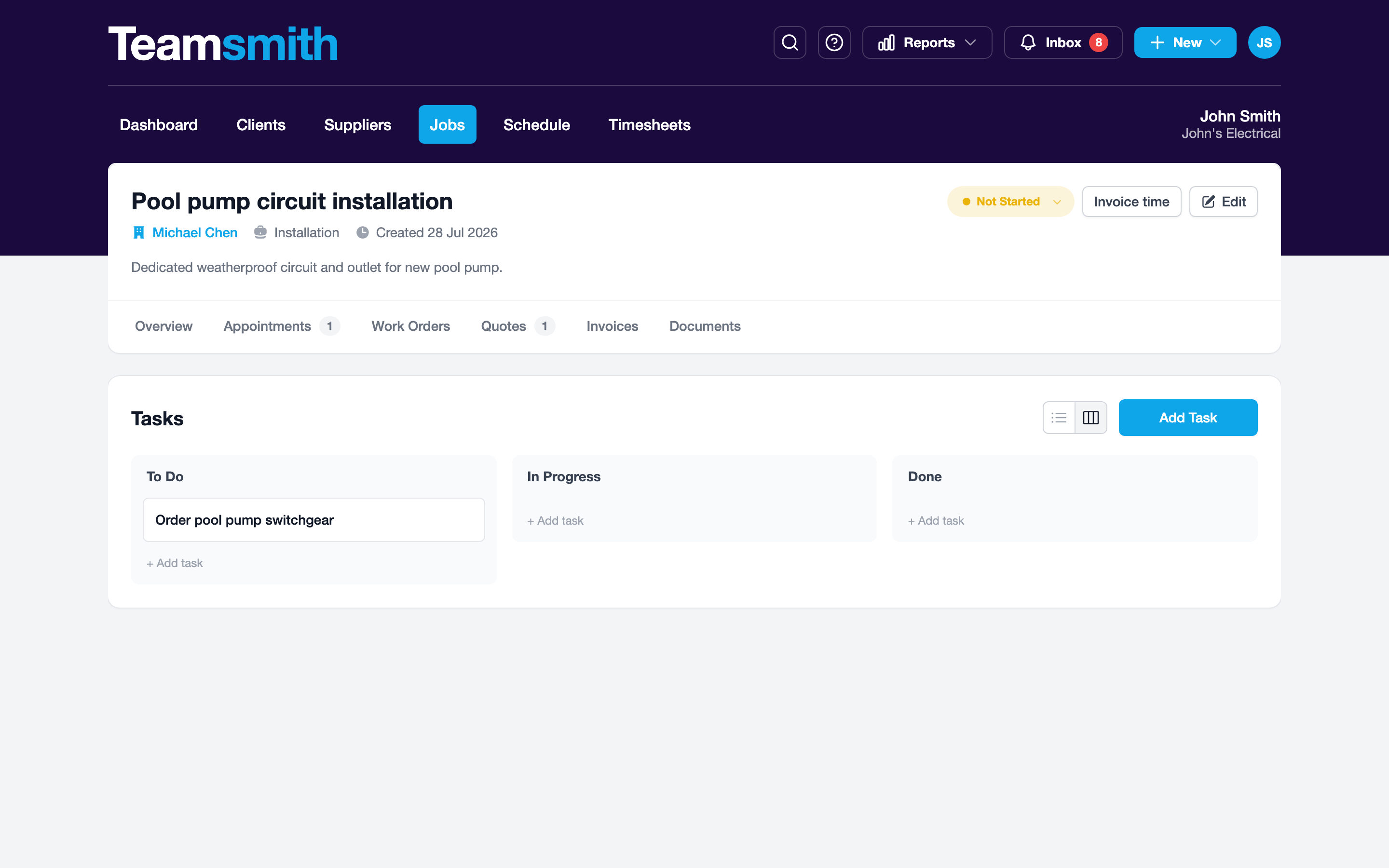
Open the job and tap the Tasks tab. Add a to-do, tap to tick it off. It stays with the job.
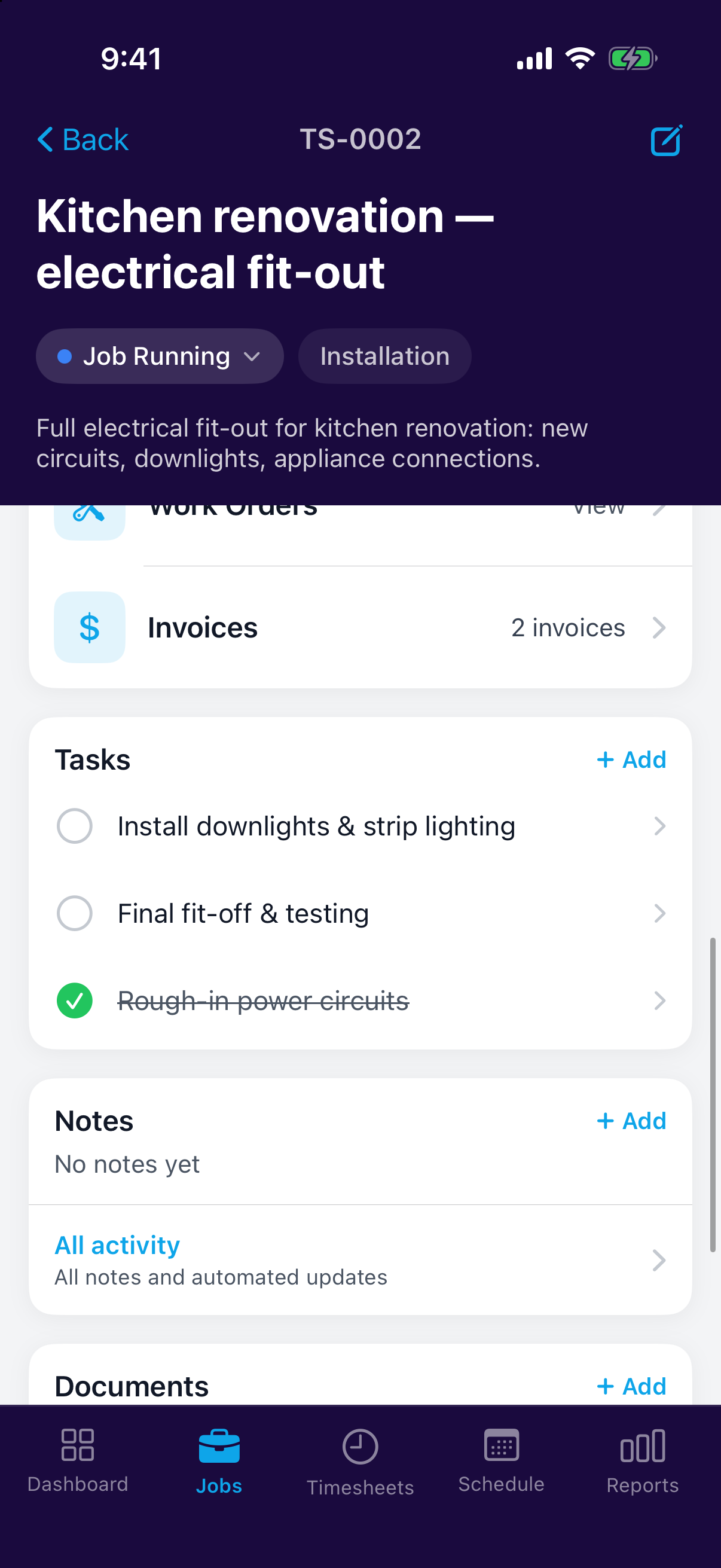
Tasks from an accepted quote
On a job you've quoted, you don't have to type the to-do list out again. An accepted quote can turn its line items straight into job tasks: tick the lines worth tracking, rename any that read better as an instruction, and hand them out to the team. See After a Quote is Accepted.
Your personal list
The standalone Tasks list pulls your own to-dos into one view across every job and everything else. It's your running list, separate from any single job.