Teamsmith is built for crews: everyone who logs in gets the same app, shaped by their permissions.
Adding a team member
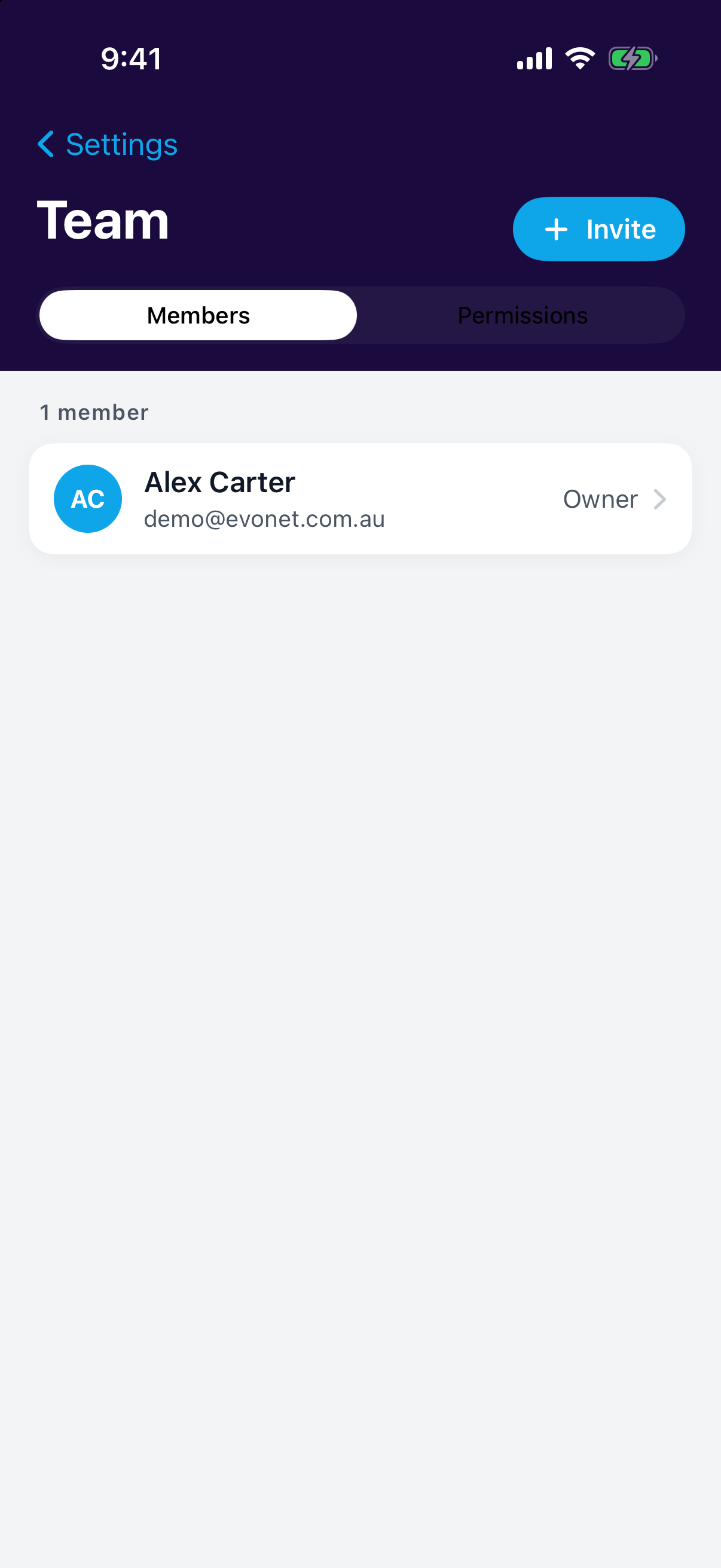
Go to Settings → Team and invite each person with their email address. They'll receive an invitation to set up their login.
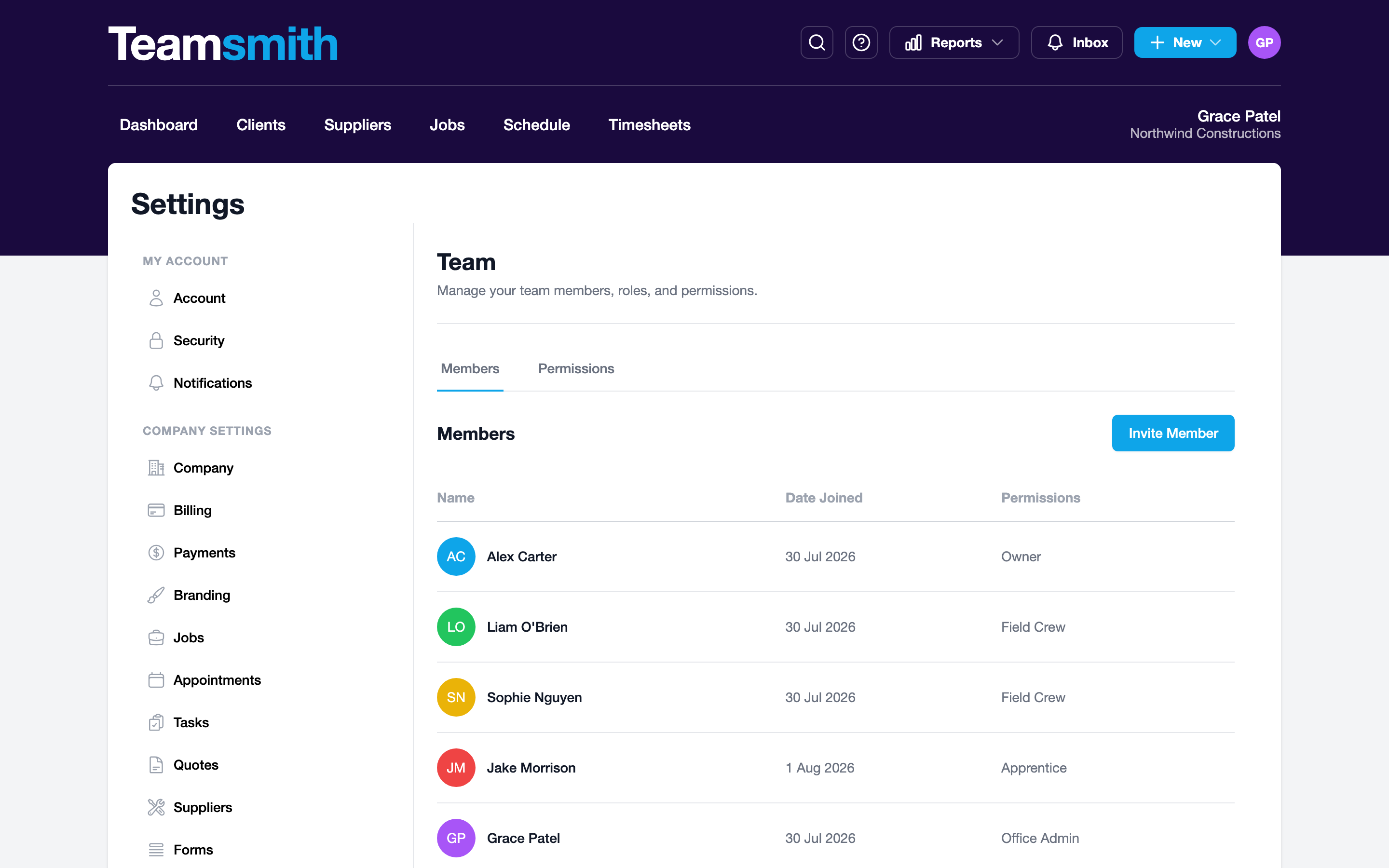
Go to Settings → Team and invite each person with their email address. They'll receive an invitation to set up their login.
Permissions
Each team member gets a permission profile that controls what they can see and do: the field crew can see their jobs and log time without seeing pricing, while the office sees billing.
Pricing
Every user is $30/month plus GST — no feature tiers, every tool for everyone. Deactivate someone any time to free up their seat, and adjust how many seats you pay for under Settings → Billing.