Teamsmith keeps you in the loop two ways. Notifications tell you when something needs you. The activity feed is the running record of what's already happened.
Notifications
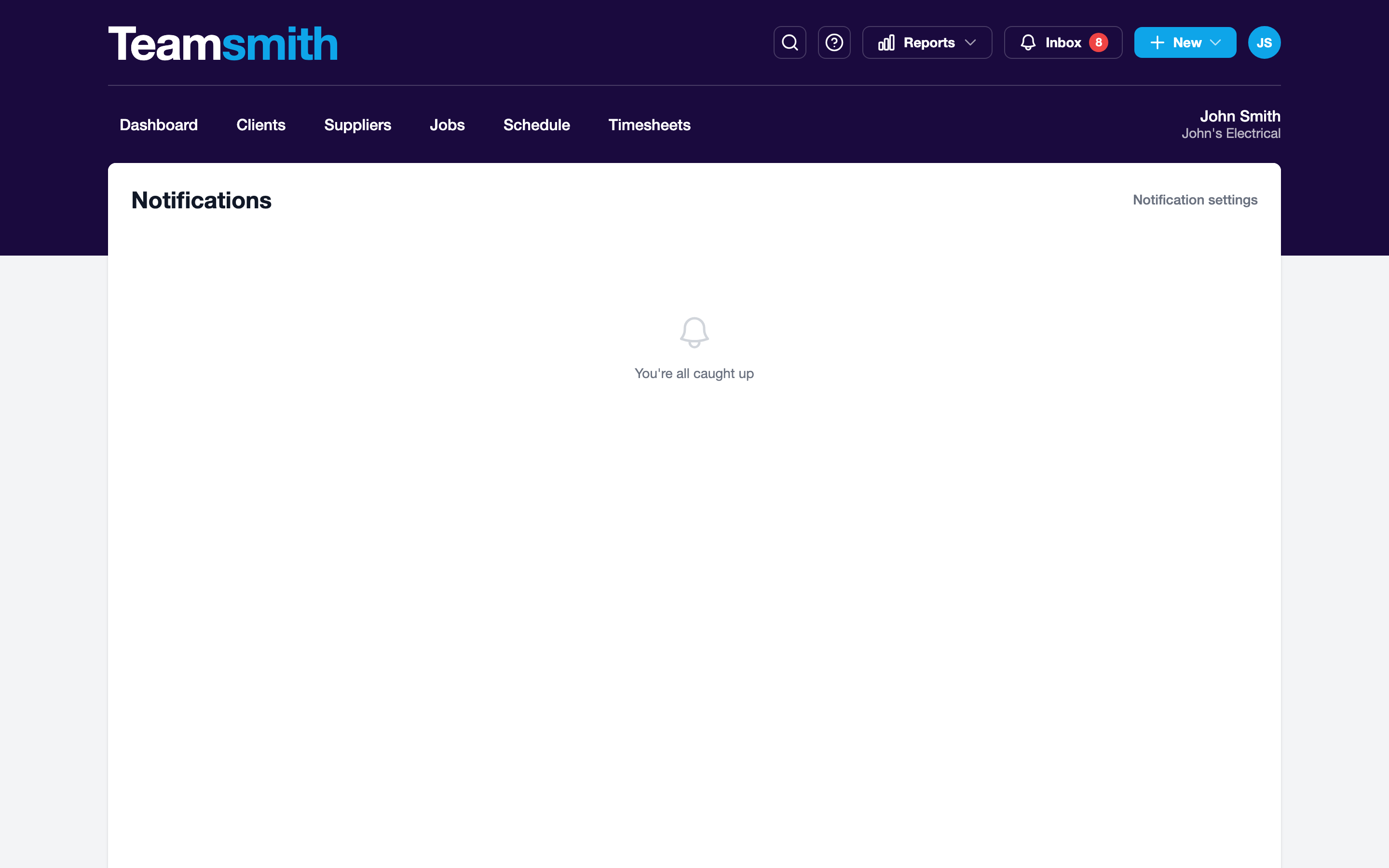
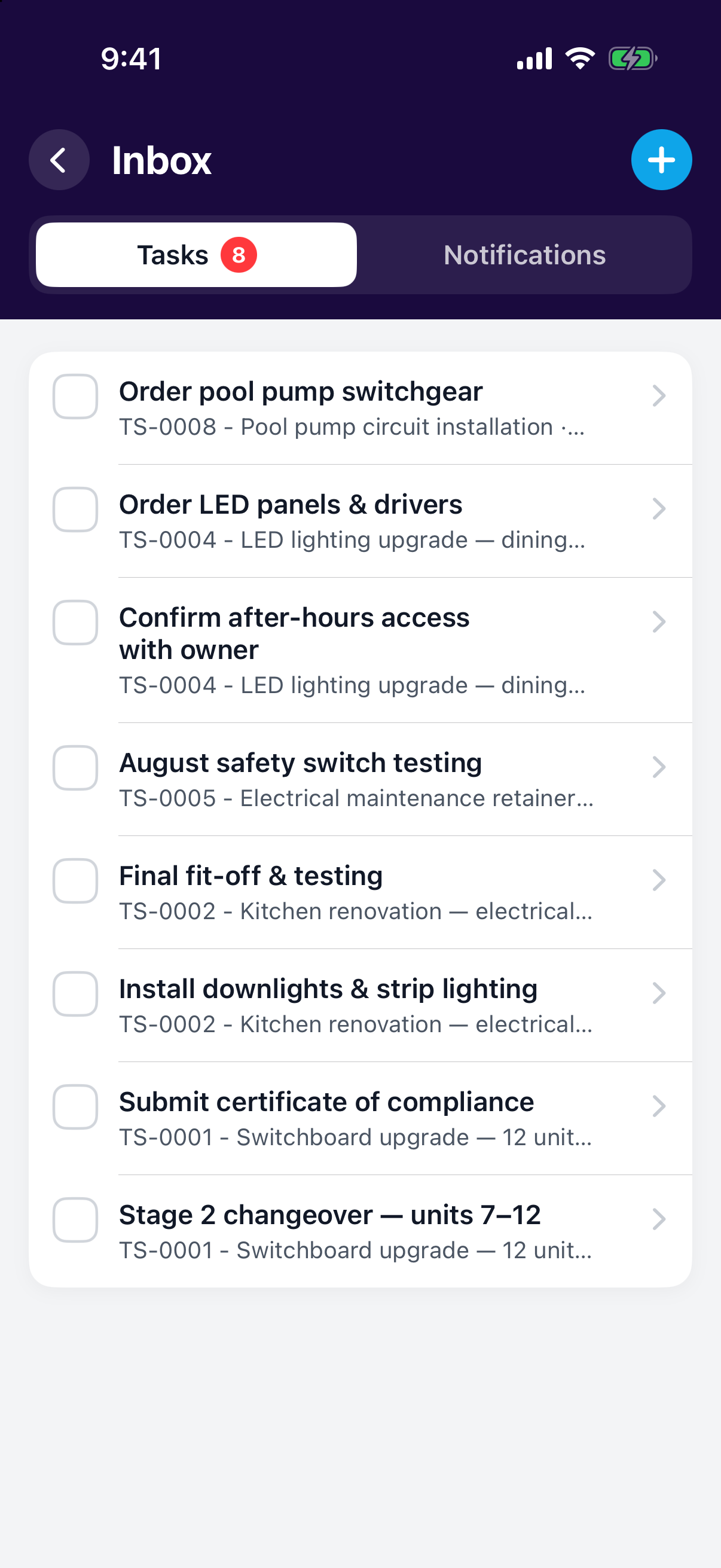
The bell is your inbox. Open it to see everything that's landed: new work assigned to you, quote replies, and more. Teamsmith also sends the same alerts by email, and pushes them to the iOS app so you get them in your pocket.
You decide what reaches you. Set your preferences in Settings → Notifications, per event type. Push follows your in-app choice; turn something off in-app and it stops pushing too.
Click the bell in the top bar to open the inbox. Manage what you receive under Settings → Notifications.
Tap the bell to open your inbox. Push notifications arrive on your phone as they happen. Adjust preferences in Settings → Notifications.
The activity feed
The activity feed is an audit trail: who did what, on which job. It also captures quote events, so you can see when a client viewed, accepted or declined a quote. No guessing whether they've opened it.
Watch the quote
A client viewing a quote is your cue to follow up.