Once a quote is built, preview it, send it, and watch what the client does with it. The first quote back usually wins.
Start by previewing the PDF; it's exactly what your client will see, with your branding on it. When it looks right, email it straight from your business. The email carries a link so the client can view and accept the quote online.
Sending it
Preview the PDF, then click to email the quote. It goes out from your business with a link to view and accept online.
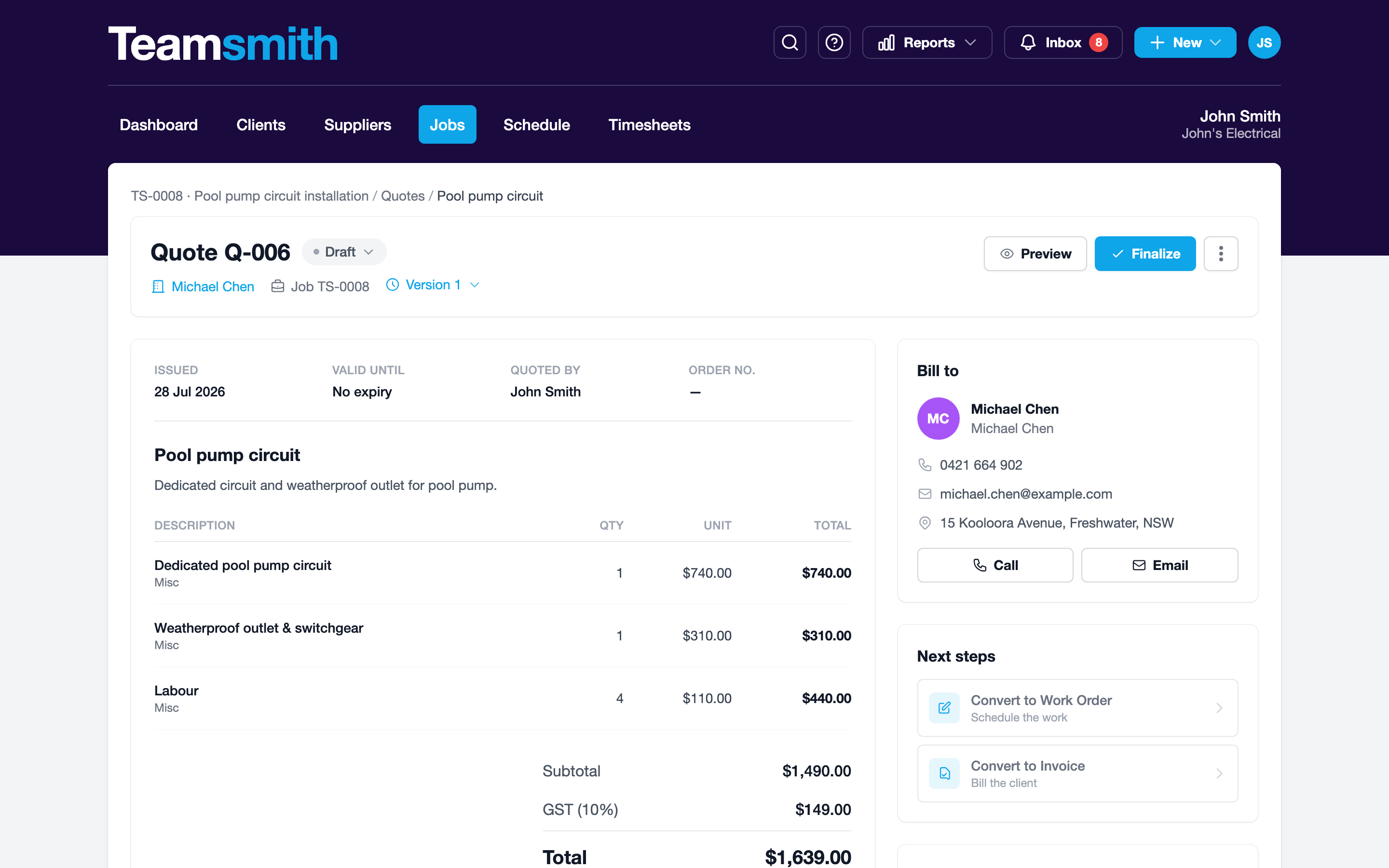
Preview the PDF, then tap to email the quote. It sends from your business with a link to view and accept online.
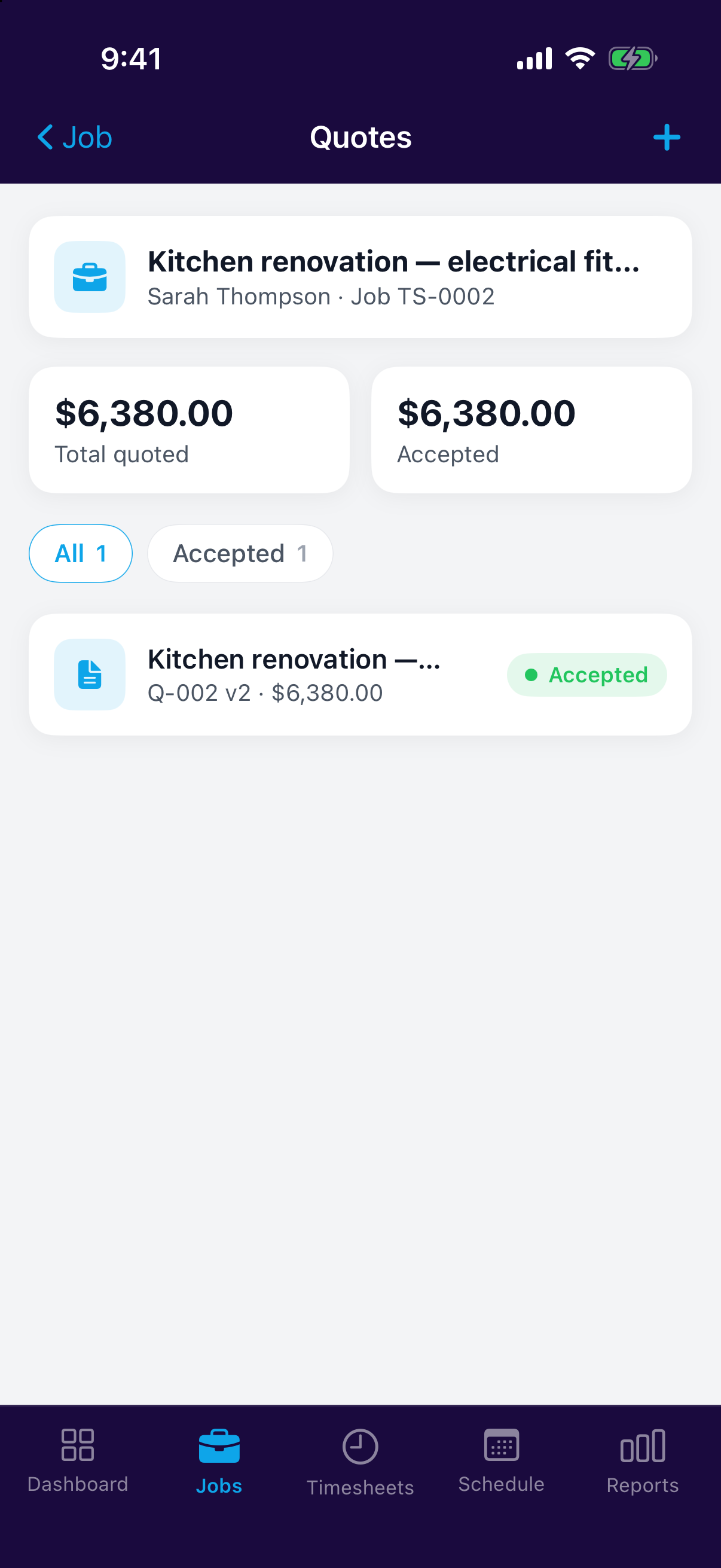
Tracking the response
After it's sent, the quote tells you where it stands: whether the client has viewed, accepted or declined it. No more guessing or chasing blind.
Let them accept online
The link in the email lets clients accept in one tap. See Online acceptance.