Once a quote is accepted, you don't need to type the work out again. Create the invoice from the accepted quote and its line items carry straight across.
Create the invoice from the quote
Open the accepted quote and choose Create Invoice under Next steps. Every line item comes across with its description, quantity and price intact.
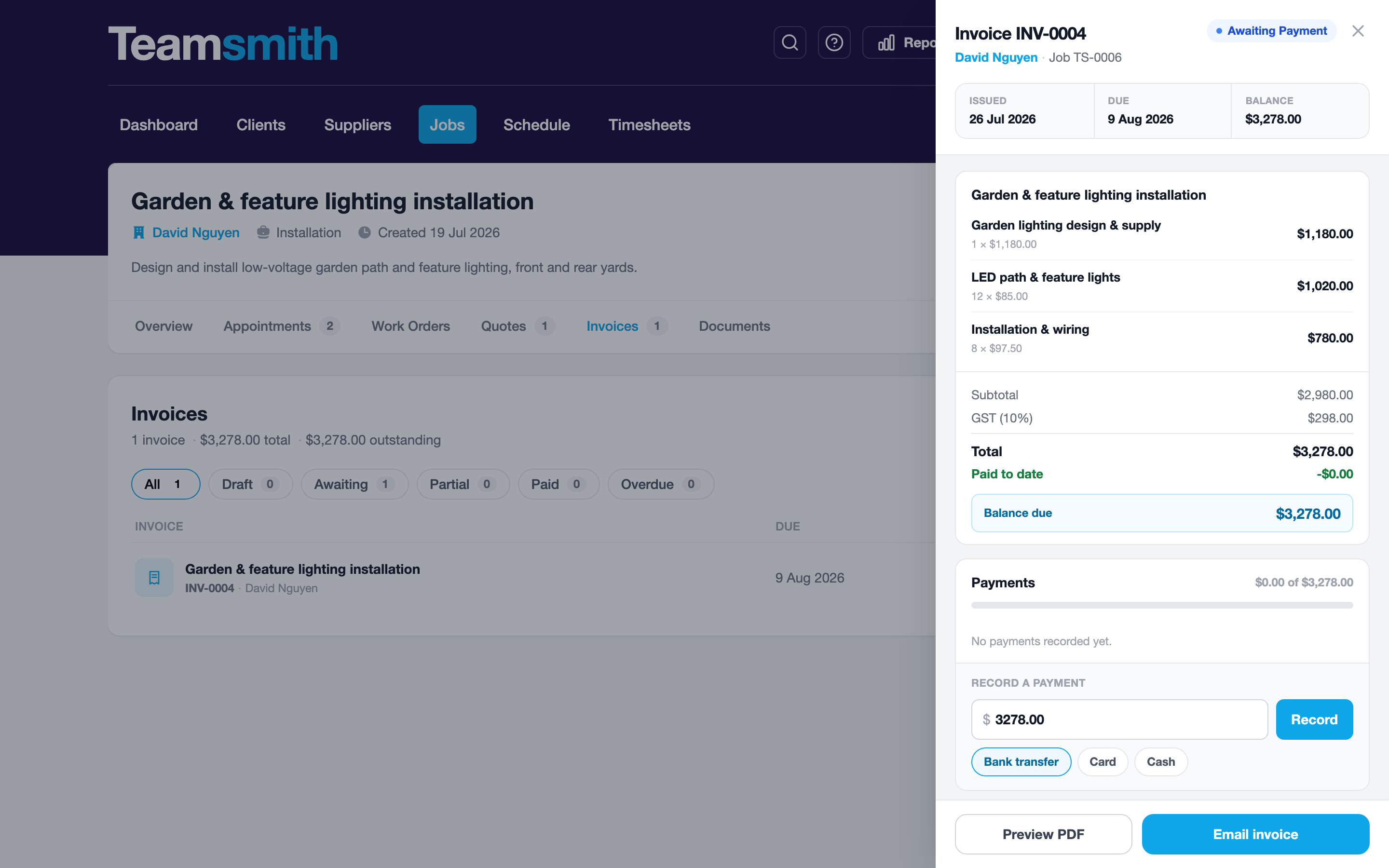
Open the accepted quote and tap Create Invoice under Next steps. The line items land ready to send.
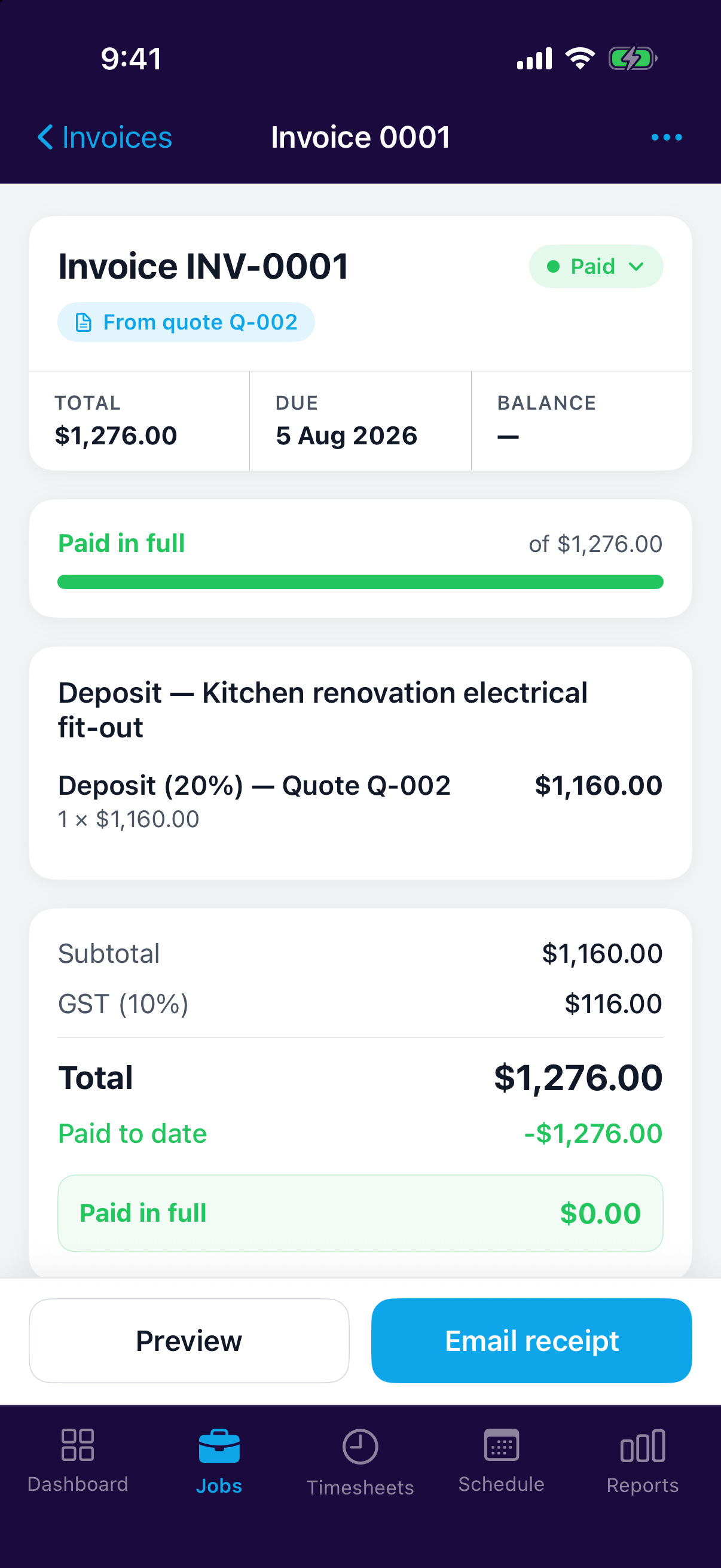
Invoice the lot, or just what's done
The quote's lines are listed with tick boxes. On a quote you haven't billed anything against yet they all start ticked, so invoicing the whole job is one tap. Untick the lines that aren't finished and you'll bill only the ones that are, each appearing on the invoice as its own line.
Teamsmith remembers which lines have been billed. Next time you come back, those are greyed out with the invoice they went on, so nothing gets billed to the client twice.
You can also bill by a percentage of the quote or a straight dollar amount instead of by line: see Deposits & Progress Claims. Mixing the two on one quote is fine; Teamsmith tracks the money either way and won't let you go past the quoted total.
Revised a quote?
Ticked lines are the lines on the version you're looking at. If you revise a quote after billing part of it, the new version's lines read as unbilled, but the running total of what's been claimed still applies and still caps what you can invoice.
Edit before you send
The carried-over items aren't locked. Adjust descriptions, quantities or prices before you send, so the invoice reflects what actually got done.
Billing a big job in stages
On a longer job you may not want to invoice the whole quote at once. You can take a deposit up front and claim progress payments as the work goes on; see Deposits & Progress Claims.
Once you've claimed part of a quote, the ⋯ menu also offers Invoice remaining balance, which bills everything still outstanding in one go without picking lines.
Nothing re-keyed
An accepted quote is already priced work. Turn it into an invoice and skip the retyping.