Online payments let customers pay an invoice by card the moment they receive it: from the emailed invoice, or by scanning a QR code while you're still on-site. Payments are processed securely by Stripe and settle straight into your own bank account.
Setup happens once and takes about five minutes.
Before you start
Have these handy:
- Your business details, including your ABN
- The bank account you want payouts to go to
- A driver's licence or passport, as Stripe verifies the account holder's identity
Connect your account
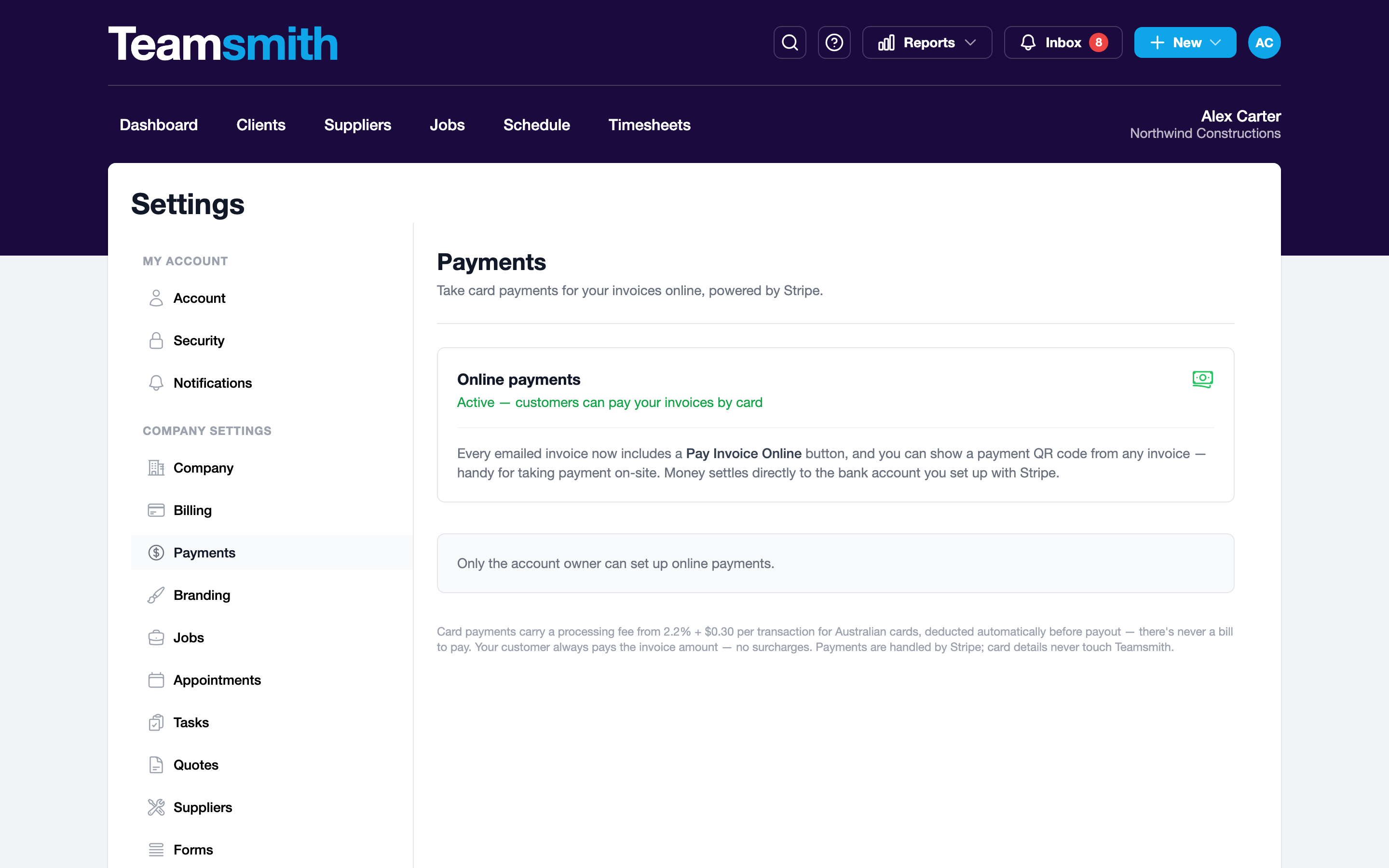
- Go to Settings → Payments.
- Click Connect with Stripe.
- Follow the Stripe setup steps: business details, identity check and payout account.
- You'll land back in Teamsmith when you're done.
You can also start from any unpaid invoice: its Get paid online section offers a Set up button (owners only) that brings you straight here.
- Tap your avatar, then Settings → Payments.
- Tap Connect with Stripe: setup opens in Safari.
- Follow the Stripe steps: business details, identity check and payout account.
- Hop back to the app when you're done and the Payments screen updates.
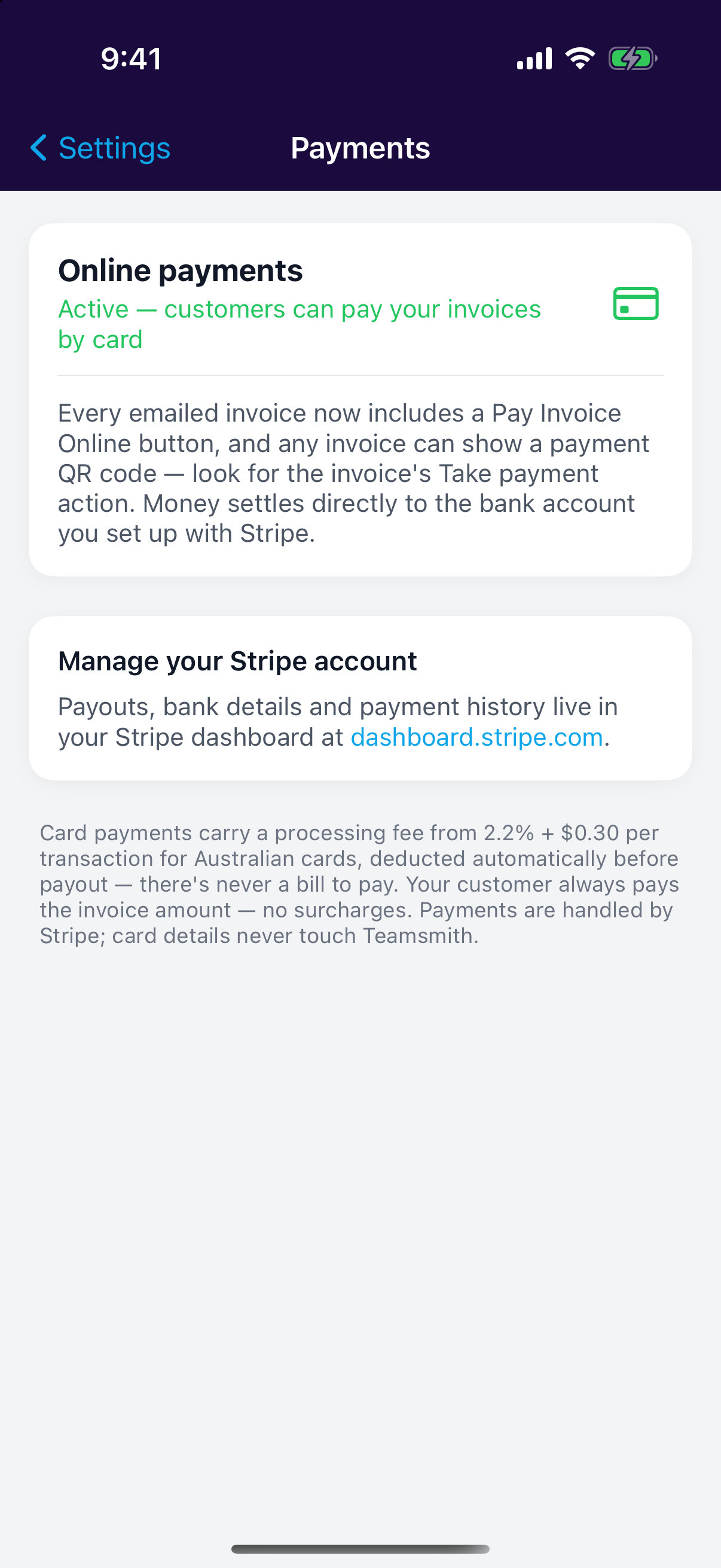
Most accounts are approved within minutes. If Stripe needs anything else, the Payments page shows setup as in progress; pick it up again any time with Resume setup.
Stopped part-way?
Your progress is saved. Come back to Settings → Payments and resume from where you left off.
What changes once you're live
- Emailed invoices and payment reminders include a Pay Invoice Online button.
- Every unpaid invoice can show a payment QR code for taking payment on-site.
- Payments are recorded against the invoice automatically; nothing to type in.
- You're notified the moment a customer pays.
Your money, your account
Payments settle directly to the bank account you set up with Stripe; they never sit in Teamsmith. Payouts, bank details and payment history live in your Stripe dashboard.