When money comes in, record it against the invoice. You can log a full payment or a partial one, and the client's balance updates to match.
Record a payment
Open the invoice and record the payment. Enter the full amount to close it off, or a partial amount to leave the rest owing.
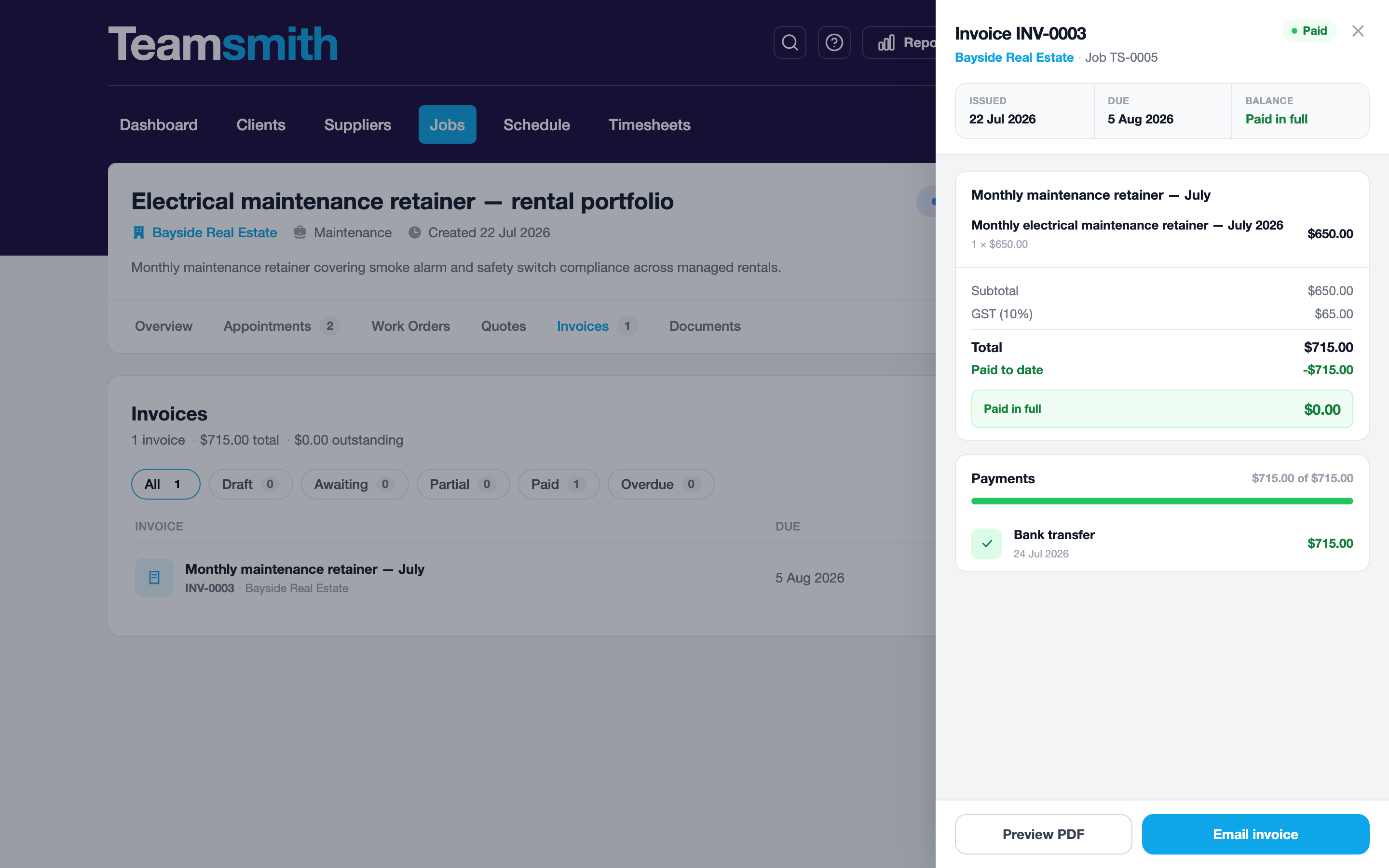
Open the invoice and record the payment on the spot, handy when you're paid in the field.
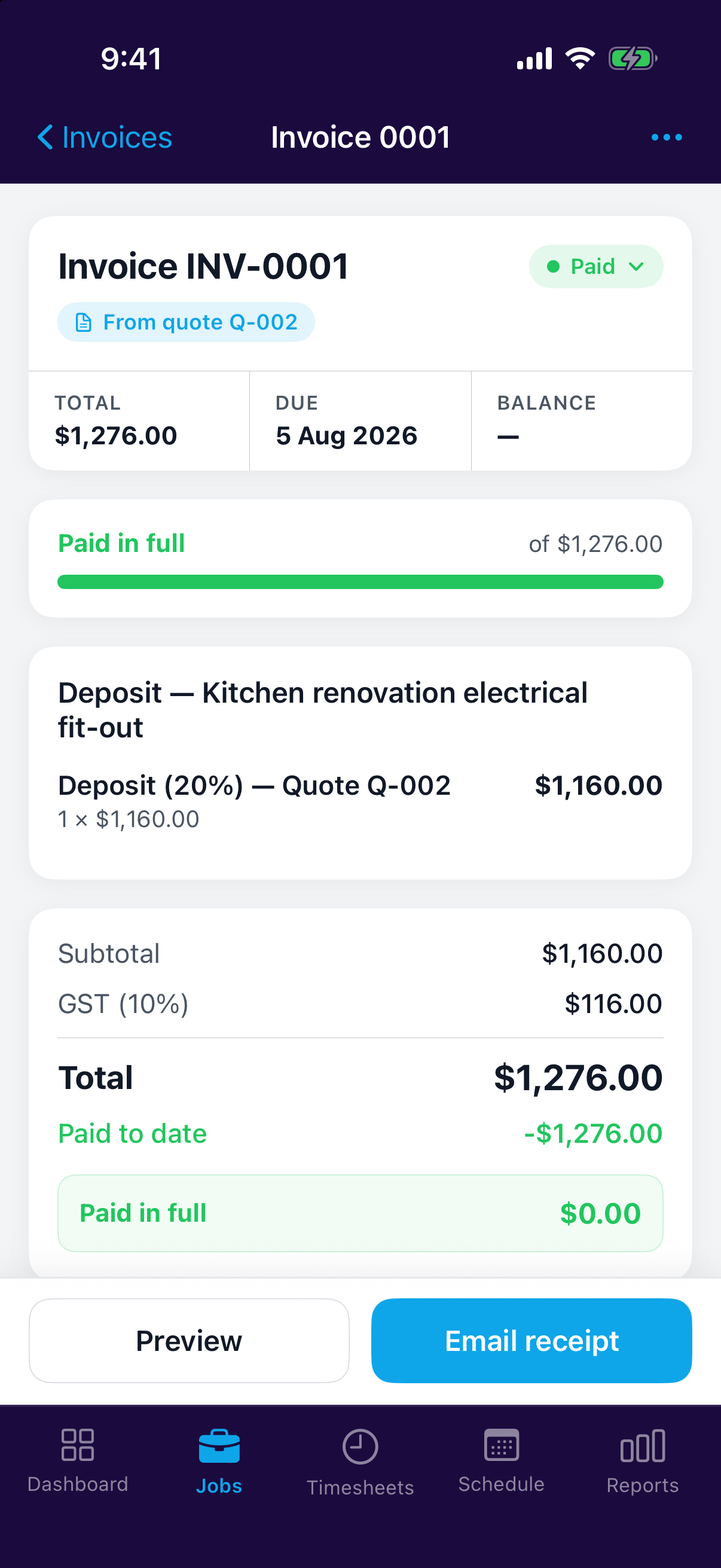
The client's balance
Each client's Billing tab lists their invoices and running balance, so you can see at a glance who owes what.
Writing off bad debt
If an invoice won't be paid, write it off. That clears it from what's owed while keeping the record intact.
Part-paid is fine
A partial payment leaves the balance owing on the invoice; record the rest whenever it lands.